 By Marcus Chen
It’s easy to split a pizza tab or pay your dog walker with a few taps on your phone. But that convenience can turn into panic the moment you realize you just sent $800 to the wrong person, or the “seller” on a marketplace disappears as soon as you transfer funds. If you’ve ever hesitated before hitting “Send” on your banking app, you’re not the only one. Zelle moves money almost instantly, which is great—unless something goes wrong. That’s why a send money with Zelle safely guide needs to be more than a string of scary warnings. Here’s how to actually use Zelle with confidence in 2026, with habits that make a real difference.
Treat Zelle Transfers Like Cash in Your Wallet
Zelle is all about speed. If your recipient is already enrolled, your money typically lands in their account in minutes. That’s perfect for splitting rent or sending your share of concert tickets. But there’s a catch: once you confirm, the money is gone. There’s no “undo” button. Zelle and the major banks are clear—after you hit send, you should assume that money is as gone as if you’d handed someone cash.
This is where Zelle stands apart from some other payment apps. Services like PayPal sometimes let you dispute transactions or claim buyer protection, but Zelle doesn’t work that way. It’s built for people you know—family, roommates, your trusted babysitter—not strangers you find online. If something goes wrong, you can’t reverse the payment.
That’s the heart of Zelle’s long-running message: “Pay It Safe with Zelle.” It’s not just a catchphrase. If you wouldn’t hand someone a wad of bills in real life, don’t send them money through Zelle.
A Five-Point Safety Check Before You Send
You only realize how fast Zelle is when a mistake happens. To avoid that headache, I always use a five-step checklist—especially for large transfers.
First, ask yourself: do I really know and trust this person? If the answer isn’t a confident yes, put the phone down. Second, double-check the recipient’s email address or U.S. mobile number, character by character. A single typo can send your money to a stranger, and getting it back is highly unlikely.
Third, look over the amount and, if you can, add a clear note or description. Even experienced users have accidentally sent $500 when they meant $50 by missing a zero.
Fourth, make sure you’re using your bank’s real app or website, not a link from a text or email. Those can be phishing attempts. If you get a message asking you to pay via Zelle—especially for a marketplace deal or urgent request—verify the sender in another way before moving forward. Only after these checks should you hit send, knowing your transaction is almost certainly final.
Take Lisa, a college student I worked with. She nearly lost $900 on a used laptop after a “seller” pressured her into paying with Zelle and then disappeared. The red flag? The seller refused to meet or use any other payment method. Following the checklist could have spared her a lot of stress and money.
Lock Down Your Zelle and Banking App
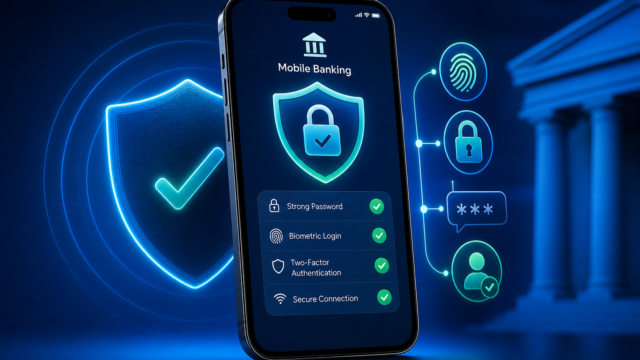
The best way to avoid fraud is to secure your account before you ever send money. Start by enabling multifactor authentication (MFA) in your banking app. MFA is a recommended security feature that adds an extra step to verify your identity before money can be sent, helping protect your account even if someone knows your password.
Next, set up transaction alerts via SMS, email, or push notification. These alerts help you catch any suspicious activity right away. Always use a unique, strong password for your banking login. Don’t recycle old passwords. And make sure your phone itself is protected—use a PIN, fingerprint, or Face ID to unlock it.
Chase and Community Point Bank both recommend these steps, since most Zelle-related fraud starts with someone getting into your account. If you lose your phone or suspect your login is compromised, take prompt action such as updating your password and contacting your bank.
Modern banking apps also offer review screens and security dashboards. Pause for a second and look over the recipient and amount before you send money. These small habits make your phone a safer wallet.
Zelle Transfer Limits in 2026: Know Before You Send
Zelle doesn’t set a single transfer limit for everyone—it depends on your own bank or credit union. In 2026, most banks let you send between $1,000 and $3,500 per day through Zelle, but your exact limit might be different based on your account type or how long you’ve banked there. Some banks also set weekly or monthly caps, which can impact things like rent payments or splitting vacation costs.
Always check your bank’s current Zelle policy before sending a large sum. This info is usually in your app’s dashboard or in the Zelle FAQ. If you’re not sure, a quick call to your bank will clear things up.
If you need to send more than your daily limit, some people split payments over several days—but that isn’t always practical. For bigger transfers, like paying a contractor or buying something expensive, consider whether Zelle is the best option. Sometimes a wire transfer or cashier’s check is safer.
Sticking to the limits isn’t just about convenience. If someone suddenly asks you to send the maximum amount, especially if you barely know them, that’s a signal to slow down and double-check what’s happening.
Spotting and Dodging Zelle Scams
Scammers keep getting smarter. A common trick involves a “marketplace deal.” You see a great offer for concert tickets or electronics, and the seller demands Zelle as the only way to pay. Once you send the money, they’re gone. Zelle and most banks warn: if a stranger on a resale platform insists on Zelle, it’s a scam waiting to happen.
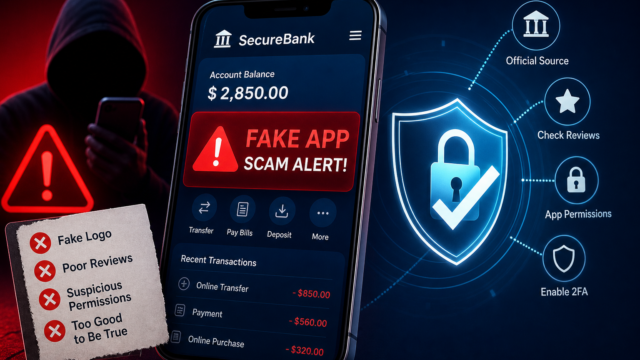
Another growing scam is the fake bank agent. You might get a call or text claiming your account’s at risk, with instructions to “move” your money via Zelle to a “safe” account. No real bank will ever ask you to do this. If you get such a request, hang up and call your bank using the main number on their website or your card.
Phishing texts and emails are also getting trickier. Fraudsters send messages that look just like real Zelle alerts, using bank logos and urgent language, and ask you to click a link to “verify” a payment. Don’t click. Always go directly to your bank’s app or site, or call them directly.
If you feel rushed or pressured—like someone demanding instant payment or threatening to close your account—take a breath. Spending a few extra minutes to verify can save you a huge headache and a lot of money.
When Zelle and Banks Will (and Won’t) Reimburse You
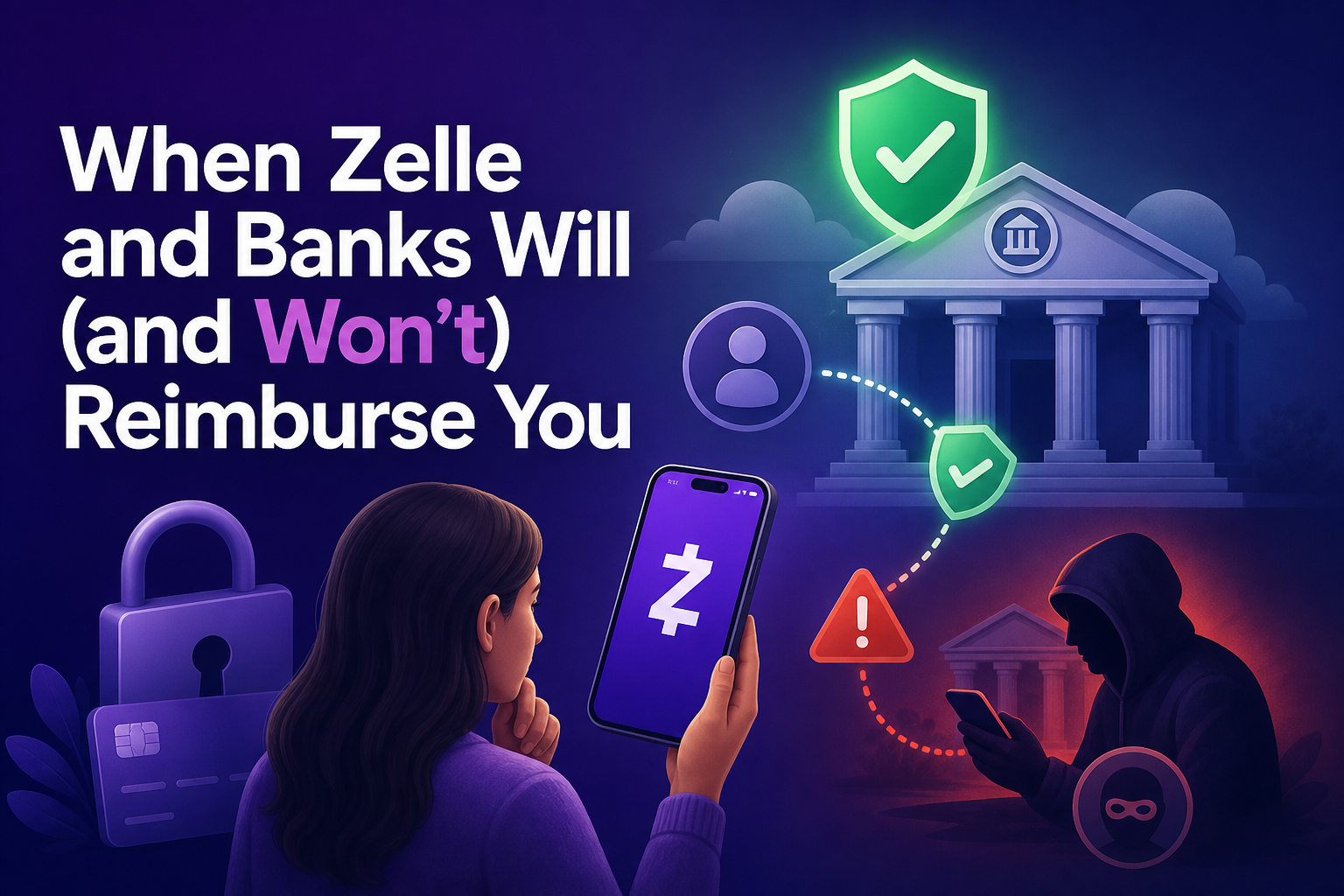
It’s important to understand how Zelle and banks see the difference between fraud and scams. Fraud is when someone gets into your bank account without your OK—maybe by stealing your login and sending themselves money. In those cases, you might get reimbursed, since you never approved the payment.
A scam is different. That’s when you’re tricked into sending money yourself, like paying a fake landlord or a scammer on a resale site. Since you authorized it, even under false pretenses, Zelle and most banks treat it like handing cash to a scammer. That usually means you won’t get your money back.
This can be frustrating, especially if you felt pressured or manipulated. But it’s why the “Pay It Safe with Zelle” rule is so widely promoted. Always double-check who’s asking for money and don’t send funds to someone new, no matter how urgent or convincing their story sounds.
If you think you’ve been defrauded—meaning someone accessed your account without your consent—call your bank right away. They’ll investigate and help you through the next steps. For scams, it’s still worth reporting to your bank and the police, but getting your money back is rare, so prevention really is your best shot.
Build Habits for Safer Zelle Payments
Zelle is fast and easy, which is why so many people use it for everyday payments. But that speed means you need to build safety habits that stick. Verifying who you’re paying, using strong passwords, and pausing before you send big amounts all work together to keep your money where it belongs.
If you’re ever unsure, check your bank’s Zelle FAQ or call support. It’s better to double-check than to lose money in a few seconds. Make the “Pay It Safe with Zelle” checklist part of your routine, and you’ll get the benefits of fast payments without second-guessing yourself.
Real security isn’t about worrying over every transfer. It’s about being ready. Next time you need to send money with Zelle, use these steps. You’ll avoid costly mistakes and feel a lot more at ease when paying with your phone.