 By Marcus Chen
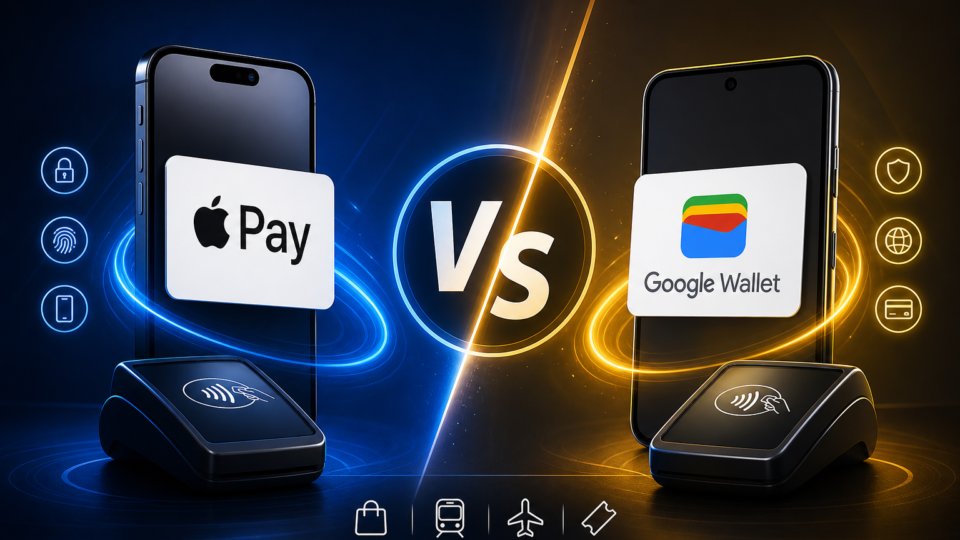
You’re waiting in line, phone in hand, ready to pay, when the cashier asks, “Apple Pay or Google Wallet?” In that moment, the choice isn’t just about which tech brand you like—it’s about what actually works for your daily routine, privacy concerns, and the world you move in. For anyone who’s switched phones, juggled work and personal tech, or just wants payments to be seamless, picking the right wallet means more than chasing the latest trend.
Adoption and Market Reach in 2026
Apple Pay’s reach in 2026 is hard to ignore. Forecasts put its global user base at about 780 million, and in the U.S., it claims between 49% and 54% of mobile wallet users. Google Wallet also plays a big role, with an estimated 200 to 250 million global users and roughly 17% to 30% of the U.S. market.
Transaction volumes paint a clear picture too. Apple Pay is set to handle around $8.7 trillion worldwide in 2025. Google Pay isn’t far behind, processing about $5.2 trillion. Both wallets are part of a digital payment industry that reached $13.9 trillion in 2023, proof that these tools are now part of everyday life.
Apple Pay is the go-to for most iPhone users, thanks to deep integration with Apple devices. Google Wallet, on the other hand, is everywhere Android thrives—especially in countries like India and Brazil. So, which wallet fits you best often depends on what devices you and your contacts rely on.
Security and How Each Wallet Handles Your Money
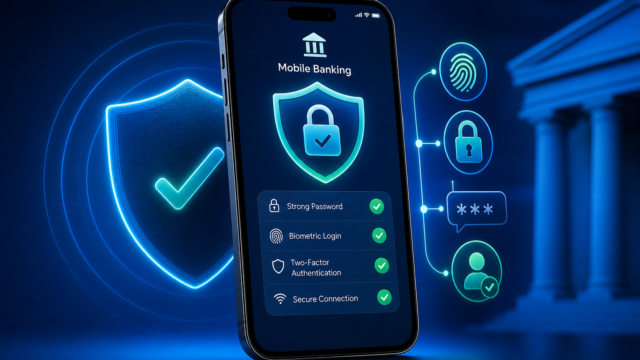
Security at checkout is top priority, and both wallets have similar processes. Add your credit or debit card, wake up your phone, and use Face ID, Touch ID, or a passcode for Apple Pay—or fingerprint, face, or PIN for Google Wallet. Hold your phone near the reader, and you’re done. Your real card number stays hidden.
Both wallets use tokenization. Each transaction generates a unique virtual account number, so your actual details never hit the payment terminal. If someone were to intercept a payment, they’d only get a number that can’t be reused. Retailers see a virtual number, which blocks the chance of card theft or unwanted charges.
You have to authenticate every time—no one can pick up your phone and buy coffee without your approval. For anyone nervous about digital security, this beats swiping your card and hoping for the best.
Device Compatibility and How Each Wallet Fits Your Tech
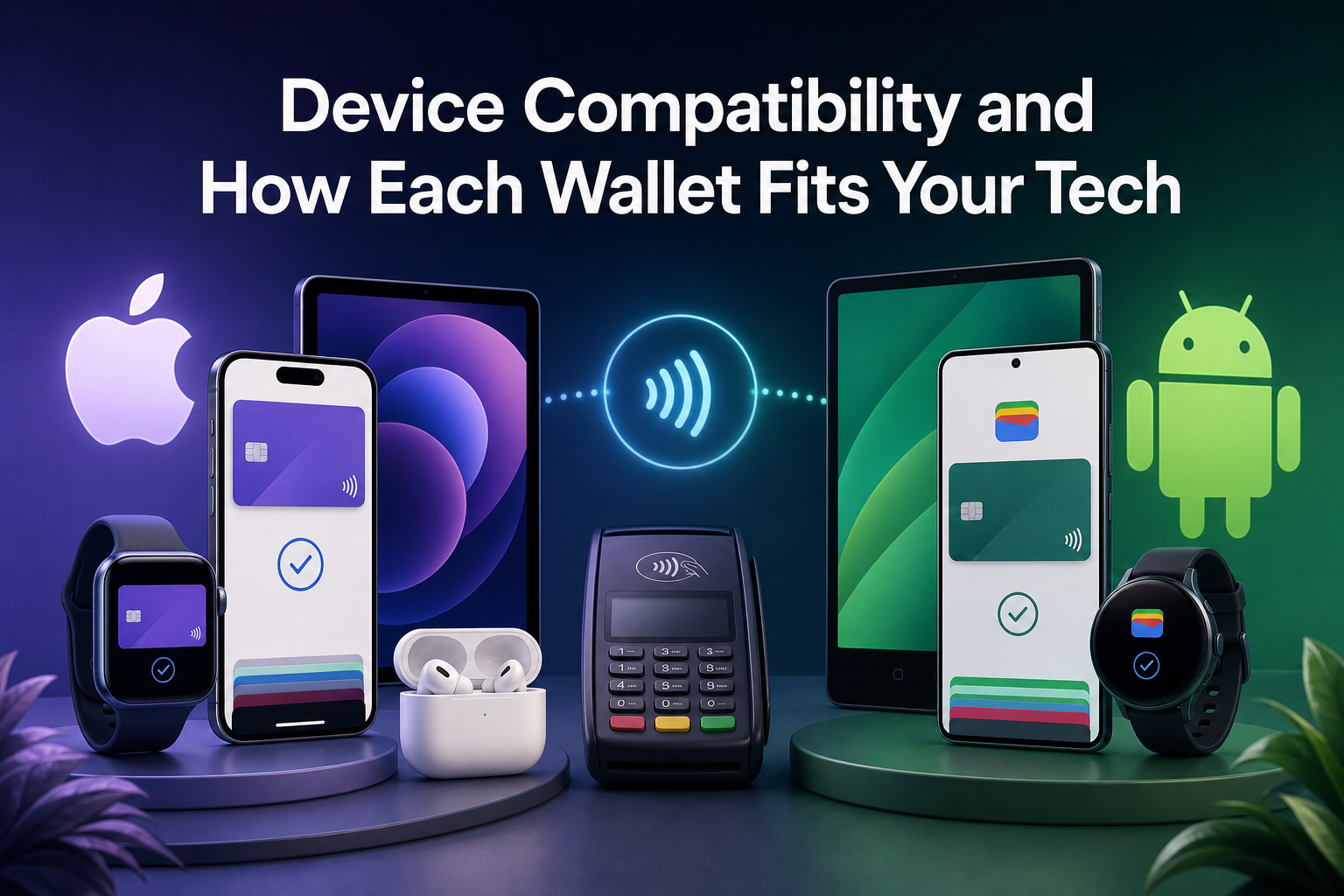
For a lot of people, the choice is simple: which phone do you actually use? Apple Pay only works on Apple devices like iPhone, Apple Watch, and iPad. If you’re deep in the Apple world, it’s almost invisible—it’s built in, tied to your Apple ID, and can even store loyalty cards and tickets.
Google Wallet is made for Android and works on a huge range of smartphones. It stores payment cards, digital IDs, loyalty programs, and boarding passes. There’s an iOS version, but it’s limited to online and person-to-person payments, not in-store tap-to-pay. For Android users, or anyone who wants flexibility, Google Wallet is usually the logical choice.
In homes or offices where people use both types of phones, this split matters. If you share digital business cards or tickets, you’ll want to know what devices your contacts use, since that often decides which wallet actually works for them.
Privacy Differences and What Happens to Your Data
Privacy is the deciding factor for many, and the wallets take different approaches. Apple Wallet ties your stored passes only to an anonymous device ID. Say you add a boarding pass or digital business card—the issuer sees a device code, not your name or email. Your personal details stay on your device, not in someone else’s database.
With Google Wallet, passes and cards are linked to your Google account email. Save a digital business card, and the issuer can see your email. Some people like this—it’s handy for getting receipts or updates. Others prefer Apple’s more private system, especially if they want to avoid marketing emails or data sharing.
Both options keep your payment data secure and never reveal your real card number to stores. If staying anonymous is your main concern, Apple Pay and Apple Wallet give you a bit more privacy for tickets and passes.
Where Can You Actually Use Each Wallet?
Real-world use depends on where you shop and what devices are common in your area. About 70% to 80% of U.S. retailers accept Google Wallet for in-store payments. Still, only 10% to 12% of Americans use it monthly, which means that while most stores accept it, not everyone pulls out their phone to pay that way.
Apple Pay is accepted by most big retailers, especially in places where iPhones are everywhere. It’s a favorite for quick coffee runs or paying at the grocery store. Many people use it as their default, especially if their local transit system or favorite shops support it.
If you travel or live in a region with a mix of devices, it helps to look for Apple Pay or Google Wallet stickers at the checkout. Some stores take both, but not all do, and payment systems can switch as retailers upgrade their tech.
A Practical Checklist for Your Decision
Want a shortcut to the right choice? Run through these steps:
What’s your main device? If you carry an iPhone or Apple Watch, Apple Pay is the best fit. On Android, especially Samsung or Google phones, Google Wallet is built right in.
Check which wallets your local stores accept. Scan for Apple Pay or Google Wallet logos at checkout, or just ask the staff. Saves you from awkward “card not accepted” moments.
Decide what matters for privacy. Apple Wallet keeps passes anonymous, while Google Wallet links them to your email. For some, that means more privacy; for others, it’s a way to get digital receipts and updates.
Look at extra features. Need to store digital IDs, loyalty cards, or boarding passes? Google Wallet covers just about everything, but Apple Wallet’s integration is smoother if you’re all-in with Apple gear.
Fees. Google Wallet doesn’t charge consumers for transactions, and neither does Apple Pay. Still, check with your card issuer to avoid surprise card fees.
By checking off these points, you’ll know which wallet fits best without second-guessing at the register.
Real-Life Examples for Work and Home
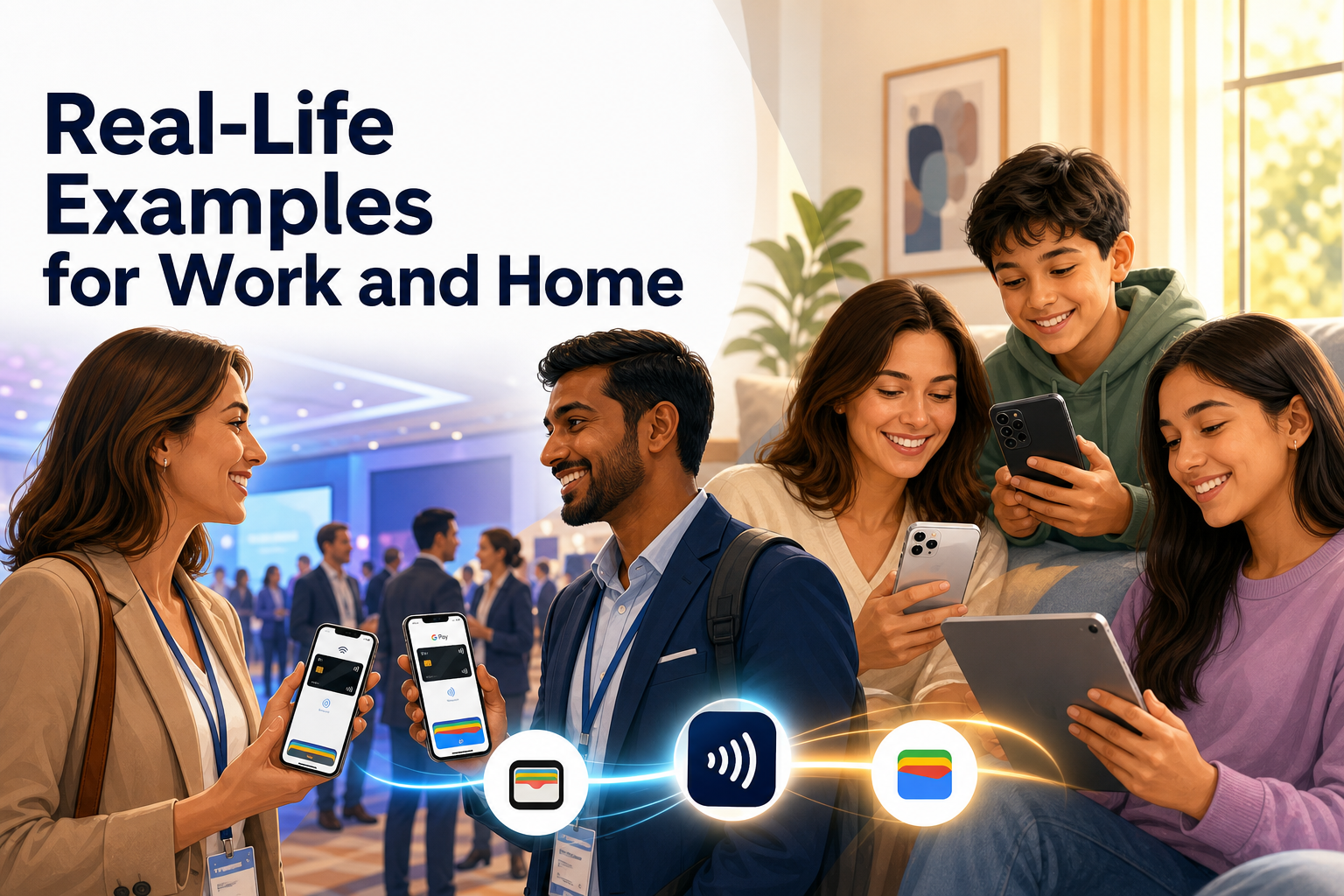
Picture this: you’re at a conference, sharing digital business cards from QRLynx. Lisa uses an iPhone, Raj has a Samsung. Because you offer both Apple Wallet and Google Wallet passes, Lisa saves your card with Apple, Raj with Google—no downloads, no hassle. This saves time and makes networking a lot smoother.
Families with different devices face similar choices. Maybe your teenager has an iPhone and your partner prefers Android. Apple Pay users can pay for snacks with a tap of their watch. Android users keep everything from store loyalty programs to travel passes in Google Wallet.
Travelers feel these differences too. In the U.S., Canada, or Western Europe, Apple Pay is often the default. In India or Brazil, Android and Google Wallet are more common. Picking the wallet that fits the tech habits in your destination can save you time and frustration.
Making the Right Call for 2026
Digital wallets are always changing, but your decision usually comes down to what works for your habits, privacy needs, and tech setup. The best way to decide is to set up the wallet on your main phone, add a card, and try a few small purchases locally. Notice which wallet gets accepted with no fuss and which feels easiest to use.
If you run a business or have lots of contacts from different backgrounds, offer both Apple Wallet and Google Wallet passes to cover everyone. If you care about privacy, dig into the data settings before saving anything sensitive. With a bit of real-world testing and the practical steps above, you’ll quickly see which digital wallet keeps payments—and life—running smoothly.