 By Marcus Chen
You’re standing at the grocery checkout, about to pay, and you pull out your phone to check your bank balance. It feels safe—every bank promises their app is secure. But that nagging thought pops up: did you really set everything up the right way, or is there some tiny gap you missed that could come back to haunt you? In 2026, mobile banking is fast and easy, but it also means extra vigilance—for banks and for every user. Staying safe isn’t about becoming a tech wizard; it comes down to pairing the app’s built-in protections with a few simple habits anyone can manage.
Device Security Comes First
Before you even think about using a banking app, your phone needs to be locked down. Lots of people assume the default protections on their Android or iPhone are enough, but digital scams get smarter every year. The American National Bank recommends adding trusted mobile security apps—like a good antivirus or antimalware tool—on top of your phone’s standard defenses. These catch threats most built-in tools miss, including banking trojans that steal passwords and financial info.
Keeping your operating system up to date is another must. Every time a security flaw comes to light, criminals race to exploit it before the manufacturer can fix it. If you put off updates because “it’s a hassle,” you’re basically leaving the door open. Turn on automatic updates, and if you tend to forget, set a monthly reminder to check for new versions.
Don’t overlook unused finance apps sitting on your phone. Every extra app is one more possible entry point for scammers—especially old fintech apps or those from banks that no longer exist. Regularly go through your apps and delete what you don’t use. While you’re at it, review app permissions: many ask for unnecessary access to your contacts, camera, or location. Tightening up these permissions lowers the risk of sensitive data leaking out.
Finally, set a solid lock screen—preferably using biometrics or a lengthy passcode. That way, if your phone ever ends up in the wrong hands, your banking apps won’t be instantly accessible. These steps lay a secure foundation for every digital transaction, no matter how advanced your bank’s app might be.
What a Secure Banking App Looks Like in 2026
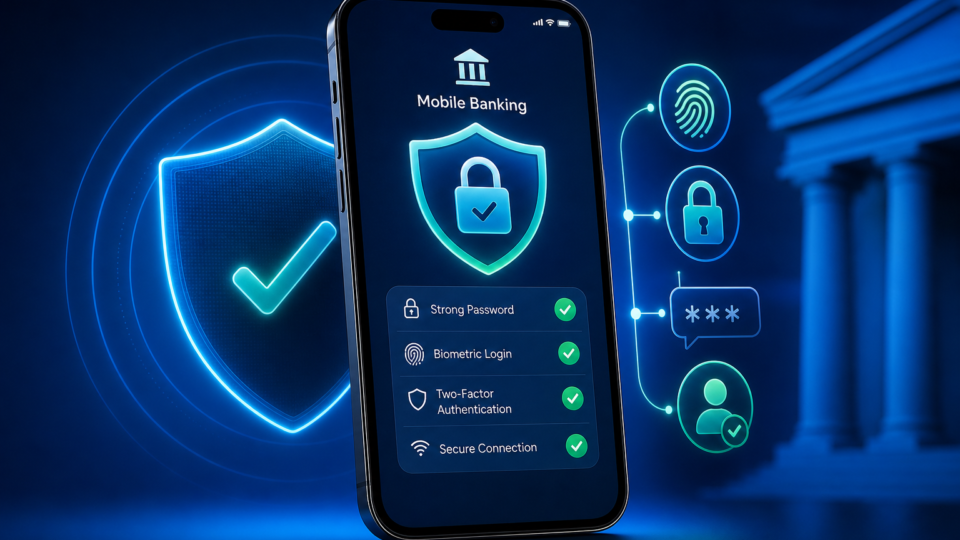
To really judge your banking app, you don’t need to be a tech expert—you just need to know what to look for. In 2026, a secure app should require biometric authentication (like fingerprint or face recognition) by default, not just as an option. This means only you can open the app, even if someone learns your password.
Encryption is non-negotiable. Every time you check your balance or transfer money, your data should travel in encrypted form, making it unreadable if intercepted. The app should also use techniques like certificate pinning, ensuring your info goes only to the bank’s servers, blocking fake websites from intercepting anything.
These protections aren’t just nice-to-haves; they’re required by global standards like FFIEC and PCI DSS. FFIEC sets security rules for US banks, while PCI DSS spells out how to handle card payments and data. If your app doesn’t mention these certifications, or skips biometrics and secure connections, you should ask your bank for details—reputable banks make this information easy to find.
There are also background protections you might never see, like code obfuscation (which makes it hard for hackers to dissect the app and find weaknesses) and real-time monitoring for intrusion attempts. You don’t have to understand the technical side, but you can expect any major bank’s app to have these in place. For peace of mind, look for a security section in your app’s settings; banks that are serious about safety usually list their main defenses there.
Getting mobile banking set up the right way starts even before you log in. First, download the app only from your bank’s official website or the main app stores (Google Play, App Store). Double-check the developer’s name and be wary of odd-looking versions or low ratings—fake apps and other risks tied to phishing and malware still exist in 2026, so this step matters.
Once installed, head straight to the security settings. Turn on biometric authentication as soon as you can, whether it’s facial recognition or fingerprint. This is safer than a PIN or regular password. Set a strong device passcode too; avoid birthdays or easy sequences. The longer and more varied (letters, numbers, symbols), the better.
Next, enable two-factor authentication (MFA). This means every time you log in from a new device, you’ll confirm your identity with a code sent by SMS, email, or an authenticator app. Even if someone gets your password, they won’t get in without this extra code.
Don’t forget to turn on account alerts. Many banks offer notifications for transactions via SMS, push, or email. Set it so you’re notified about every transfer, login, or personal info change. Test the alerts by making a small transfer to see if a notification pops up. That way, you’ll know immediately if anything odd happens.
Keeping your app updated rounds out this setup. Turn on auto-updates in your app store or check manually each week. Security flaws are often fixed only in the latest versions, so using an outdated app is asking for trouble.
Watch Out for These Common Mistakes
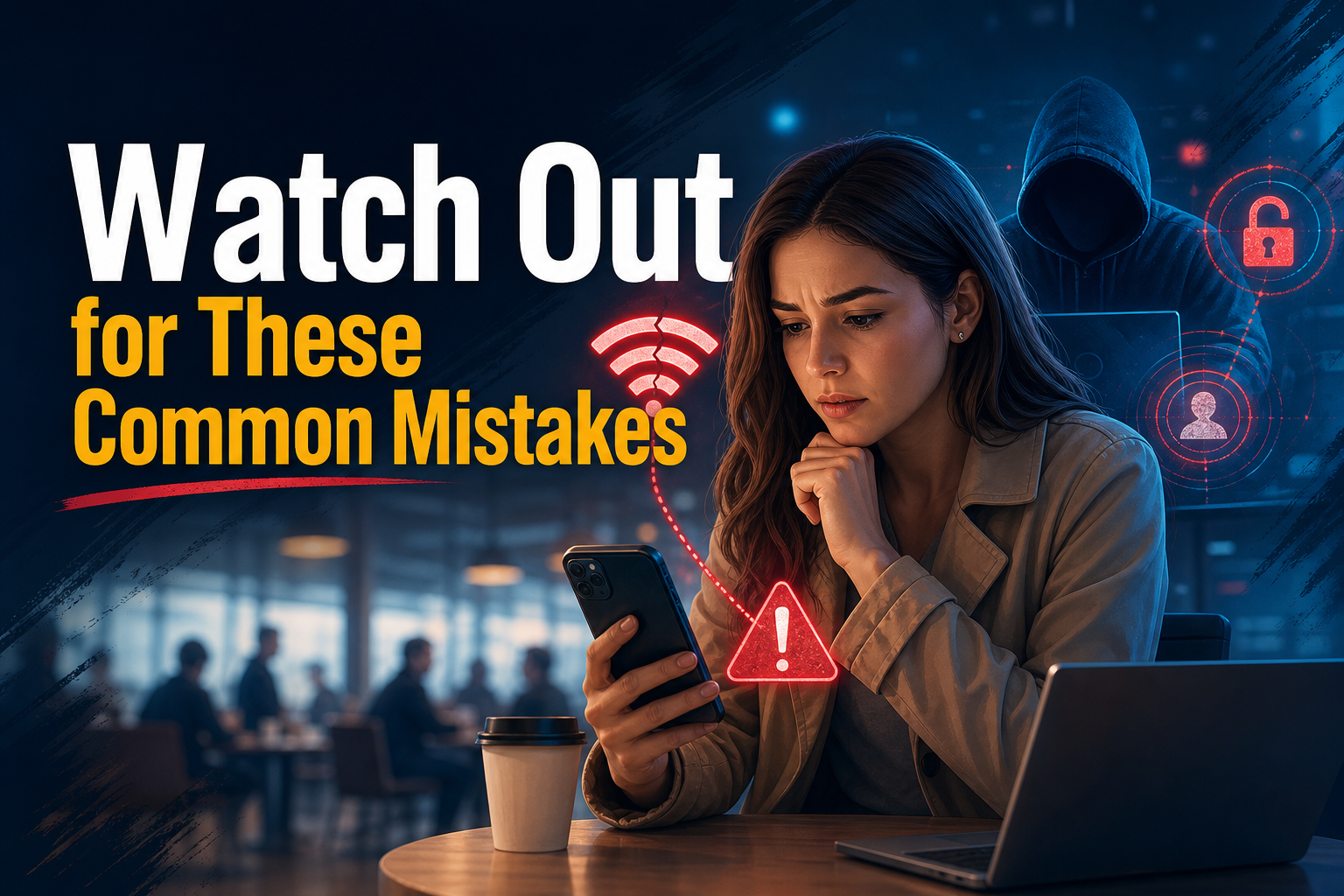
Even if your bank has all the right features, some user habits still open the door to fraud. One of the biggest mistakes is logging into your banking app over public Wi-Fi—whether in a coffee shop, airport, or hotel. Open networks can be monitored, or even set up by scammers to steal your info. Your best bet is to use your phone’s data (4G/5G), or if you must use public Wi-Fi, connect through a VPN.
Phishing scams are another big risk. Think of those emails or texts with your bank’s logo asking you to “verify your account.” In 2026, these scams are more convincing than ever, with fake pages that look identical to real ones. Never click links from messages; type your bank’s URL yourself or open the official app. If you’re unsure, call your bank using the number saved in your contacts, not the one from the suspicious message.
Downloading apps from unofficial sources is also hazardous. These days, scammers push fake banking apps through social media or sketchy websites, promising “exclusive benefits.” Stick to official stores, and if you notice an unfamiliar app on your phone, uninstall it immediately and run a trusted antivirus scan.
Ignoring updates can undo all your other efforts. Outdated apps and operating systems have known weaknesses that malware exploits. Set a monthly reminder to update your banking app and phone. Take a few minutes to delete unused finance apps and review permissions for the ones you keep. It’s a quick way to close off multiple attack paths.
If you ever get a strange login or transaction alert, contact your bank right away through an official channel. Banks may be able to help minimize losses if you act quickly and reach out as soon as you notice suspicious activity.
Real-Time Alerts and Staying Proactive
Getting real-time notifications is a game changer for banking security. Setting up transaction alerts—by SMS, push, or email—means you find out about any account activity, authorized or not, as it happens. Imagine being notified about a withdrawal or transfer just as it’s occurring, so you can freeze your card or contact the bank before things get worse.
Most modern apps let you customize these alerts. You might want notifications for every transaction, only those above a certain amount, or when your profile details change. Test your setup by sending a small transfer and making sure the alert arrives. If it doesn’t, double-check your app and device settings.
Don’t just rely on alerts. Make it a habit to review your statement weekly. It only takes a few minutes and helps you spot unknown charges or recurring small debits—fraudsters love to test with tiny amounts first. If you see something odd, let your bank know right away so they can block further transactions and start an investigation.
Banks also use internal monitoring, analyzing usage patterns to flag suspicious activity. But those systems aren’t perfect. You still need to pay attention yourself. Combine the tech with your own vigilance to keep your account safe.
What Regulation Protects (and What It Doesn’t)
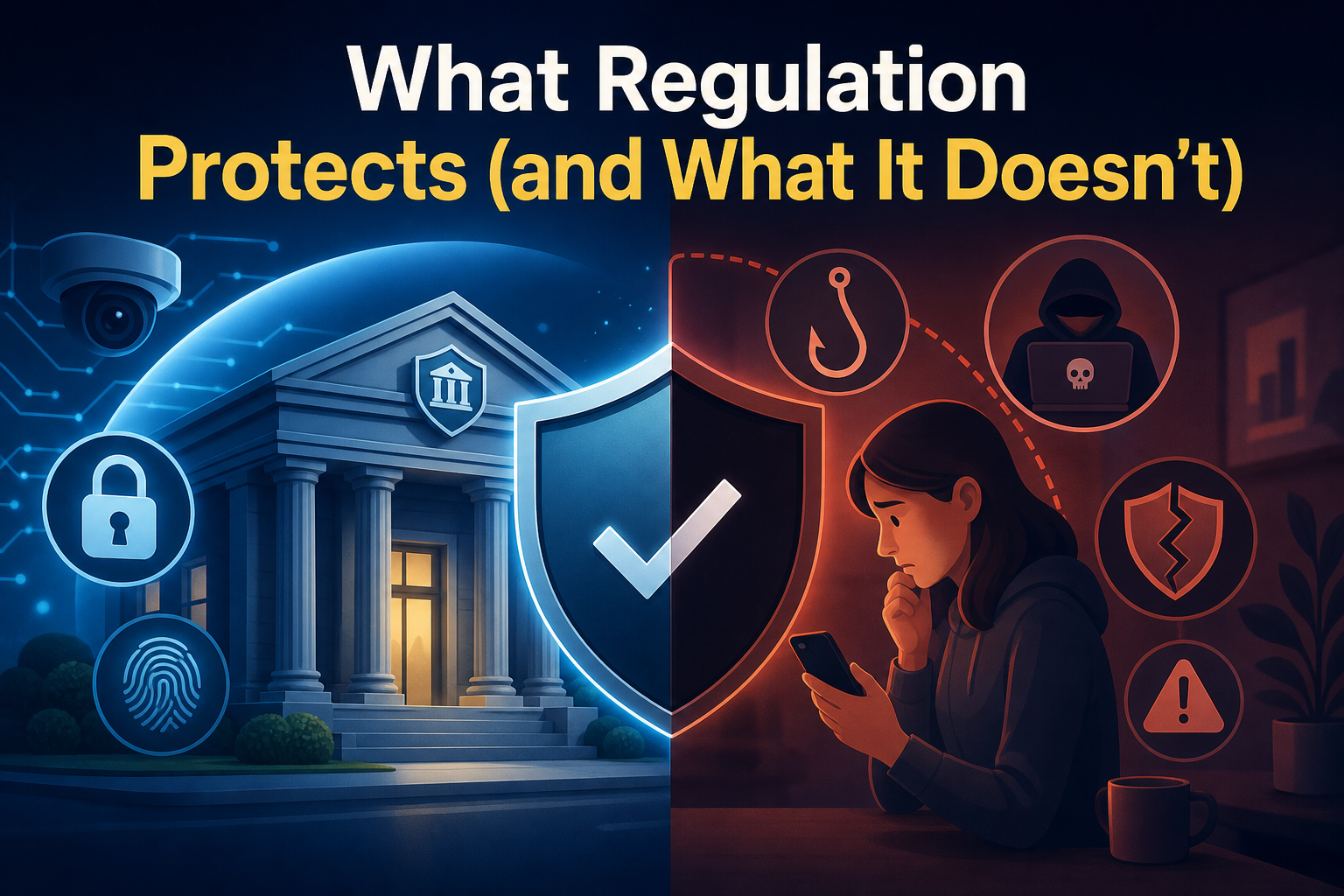
Many people figure that if the bank is regulated, their money is automatically safe. Banks do have to follow standards like FFIEC and PCI DSS, which require them to use encryption, strong authentication, and constant monitoring. This creates a baseline level of protection for everyone.
But these rules only cover what the bank does. There’s no regulation stopping someone from falling for a phishing scam or using an unsecured phone. The responsibility for your own actions stays with you, and no law can replace good judgment online.
Another point: the rules say banks must make it hard to hack their apps (using code protection and real-time fraud detection), but they don’t spell out how individuals should protect themselves outside the app. That’s why, even with all the bank’s infrastructure, it’s on you to keep your phone updated, manage app permissions, and avoid risky networks.
Being an active participant makes a difference. If everyone does just the legal minimum, exposure remains high. The real key to protecting your money is combining what the law requires with smart day-to-day choices.
Make Security a Habit, Not a One-Time Fix
Mobile security isn’t something you set once and forget. Schedule a monthly check for system and banking app updates. Review your app’s security settings: keep biometrics, two-factor authentication, and transaction alerts turned on for real peace of mind.
When a new security feature rolls out—like voice recognition or QR-based login—give it a try. Delete finance apps that are no longer useful and restrict permissions on the ones you keep. When in doubt, avoid public Wi-Fi for banking whenever possible.
With a reliable app and the steps in this secure mobile banking setup guide, you put up real barriers against scams and fraud. You don’t need to be an expert; just turn these tips into regular habits. That way, you can bank on your phone—at the store, on the bus, or at home—without losing sleep over security.