 By Marcus Chen
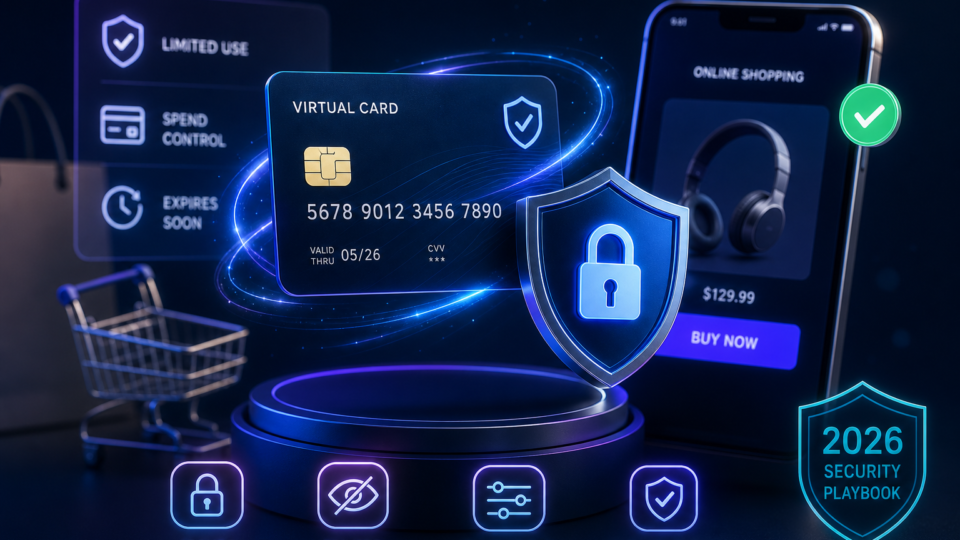
Picture this: you’ve finally tracked down the perfect pair of headphones, but it’s from a store you’ve never heard of. That little twinge of doubt pops up—what if the site isn’t legit, or your card details end up in the wrong hands? In 2026, shopping online can feel like tiptoeing around hidden traps and clever scams. That’s why so many people now turn to virtual cards to protect their money and sanity. Still, just having a virtual card isn’t enough; using it the right way is what really keeps your finances and privacy safe.
What virtual cards are and how they protect you
Virtual cards are digital payment cards that create a new card number every time you shop online or through an app. Instead of sharing your real credit card number with stores, you use a unique, disposable number for each purchase. If a retailer’s database is ever breached, your actual card number stays hidden and untouched.
Many banks and card apps now let you generate single-use numbers that disappear after one purchase. This is perfect when you’re buying from an unfamiliar site or testing out a new merchant. Even if someone tries to reuse that number, it’s already expired.
Virtual cards give you more control than a regular card. You can set a limit on how much can be spent, block certain types of stores from charging the card, or pick when the card should expire. If you need to cancel, you don’t have to wait for a replacement plastic card—just delete the digital one and go on with your day. This makes it easier to manage one-off purchases or try out a subscription service without risking a surprise renewal.
How to set up and customize your virtual card
Getting started is usually simple. Log in to your bank or card provider’s app, head to the virtual card area, and generate a new card number. You’ll usually have the choice between a single-use card (great for one-time purchases) or a multi-use card if you need it for a recurring payment.
Customizing your card gives you an extra layer of safety. For example, when you sign up for a streaming platform, set a low monthly limit and restrict spending to just entertainment services. If you want to try the service for six months and then review, set the card to expire at that point. That way, you’re not caught by surprise charges down the road.
When you’re shopping at a store for the first time, consider making a card just for that transaction, with a spending cap that matches the purchase. If something feels off about the store, a single-use card is a solid backup plan. If the card number leaks, your main account and other subscriptions won’t be affected.
Some platforms let families or small businesses create different virtual cards for each person or spending category. This makes it much easier to keep an eye on who’s spending what and to spot unauthorized charges before they snowball.
Adding tokenized wallets for another layer of security
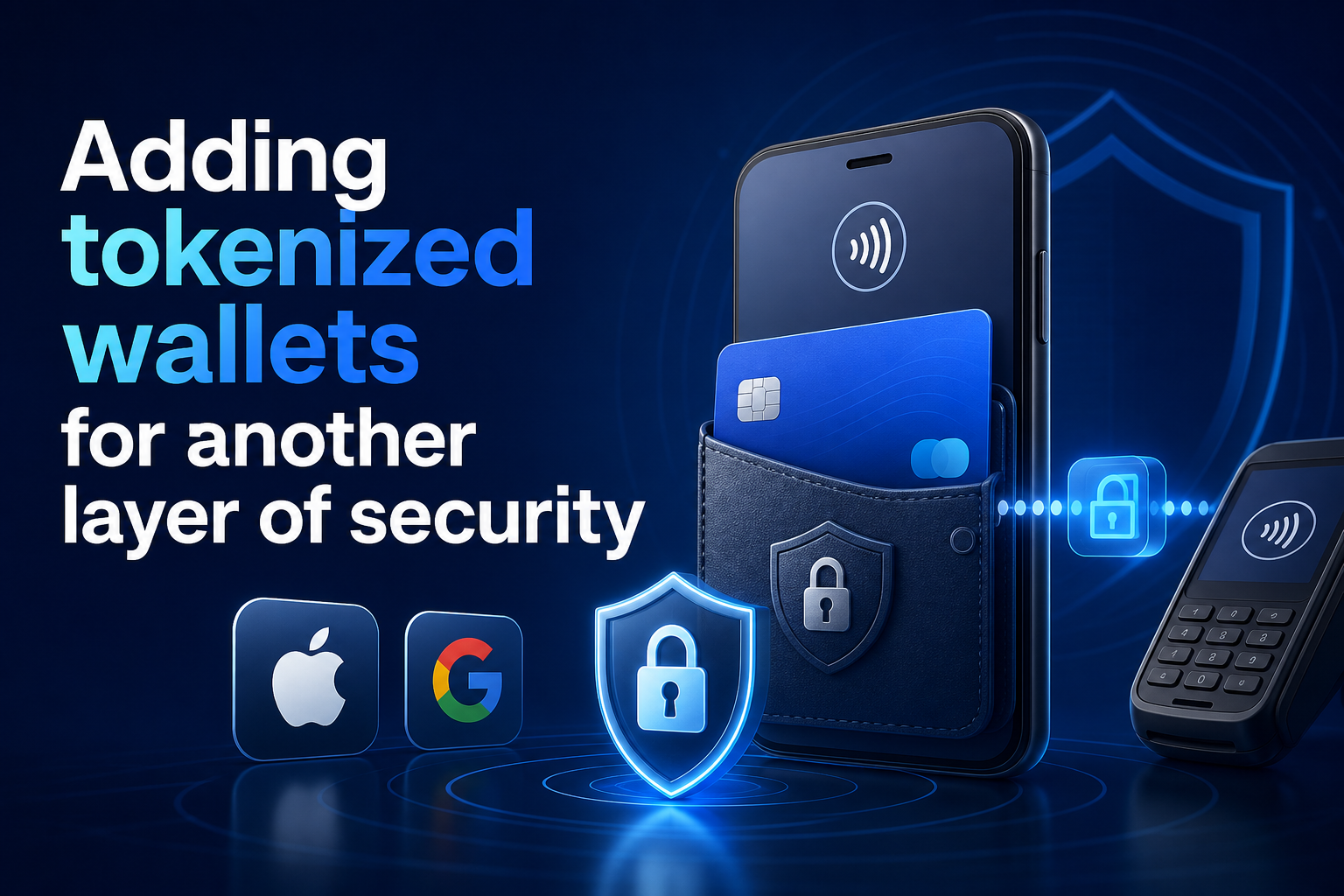
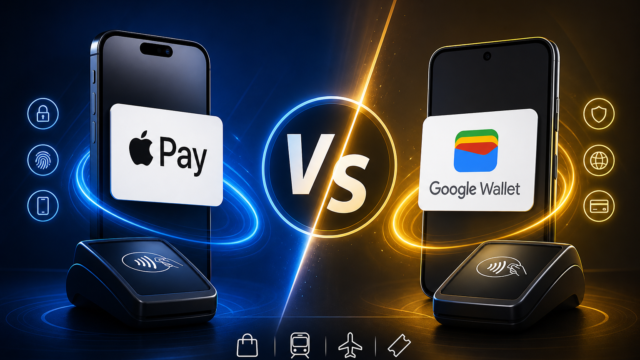
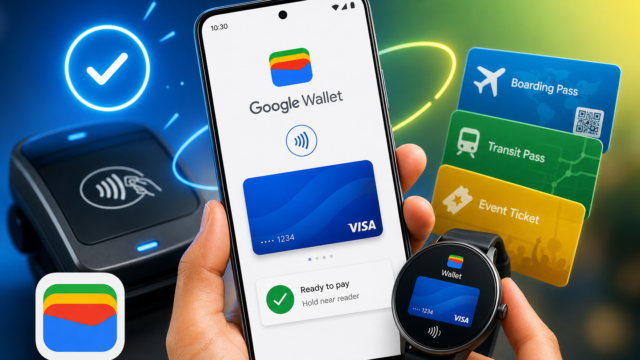
If you want to go further, using a virtual card inside a tokenized digital wallet ramps up your protection. Digital wallets like Apple Pay and Google Pay use tokenization, meaning the store never sees your card number. Instead, a one-time token is created for each transaction.
When you add a virtual card to Apple Pay or Google Pay, you’re stacking two layers of protection. The virtual card already shields your main account, and the wallet hides even the virtual card’s number from the retailer. Even if a hacker manages to break into a store’s system, they only get a useless token or an already-expired card number.
Checkout is quicker and safer this way, too. Many stores now have Apple Pay or Google Pay buttons. With just a fingerprint or a face scan, you can pay without ever typing card numbers or storing them on the website.
Cybersecurity authorities like McAfee and the Global Cyber Alliance strongly recommend combining virtual cards and tokenized wallets, especially for first-time purchases or big-ticket items. This double barrier is one of the most reliable ways to keep your payment information secure.
A solid online shopping routine doesn’t have to be complicated. Always check if the website uses HTTPS and shows a padlock icon in your browser. Skip sites that only accept wire transfers or crypto payments, since those rarely come with buyer protections.
Before buying, look for independent customer reviews and check the store’s Better Business Bureau rating. This helps you avoid fake sites or those with a history of problems. If the store checks out, generate a virtual card just for that purchase. Match the card’s spending limit to your order total, and, if possible, restrict it to that type of merchant.
Always shop using a private and secure Wi-Fi connection. Public Wi-Fi—like at airports or coffee shops—can give hackers a chance to grab your payment details. If you must shop in public, use a trusted VPN and keep your security software updated.
Protect your devices and accounts, too. Keep your phone and shopping apps up to date, use good antivirus software, and turn on two-factor authentication for your banking app. Don’t save card info on public or shared computers, and use long, unique passwords for each account.
What to do if your virtual card gets compromised
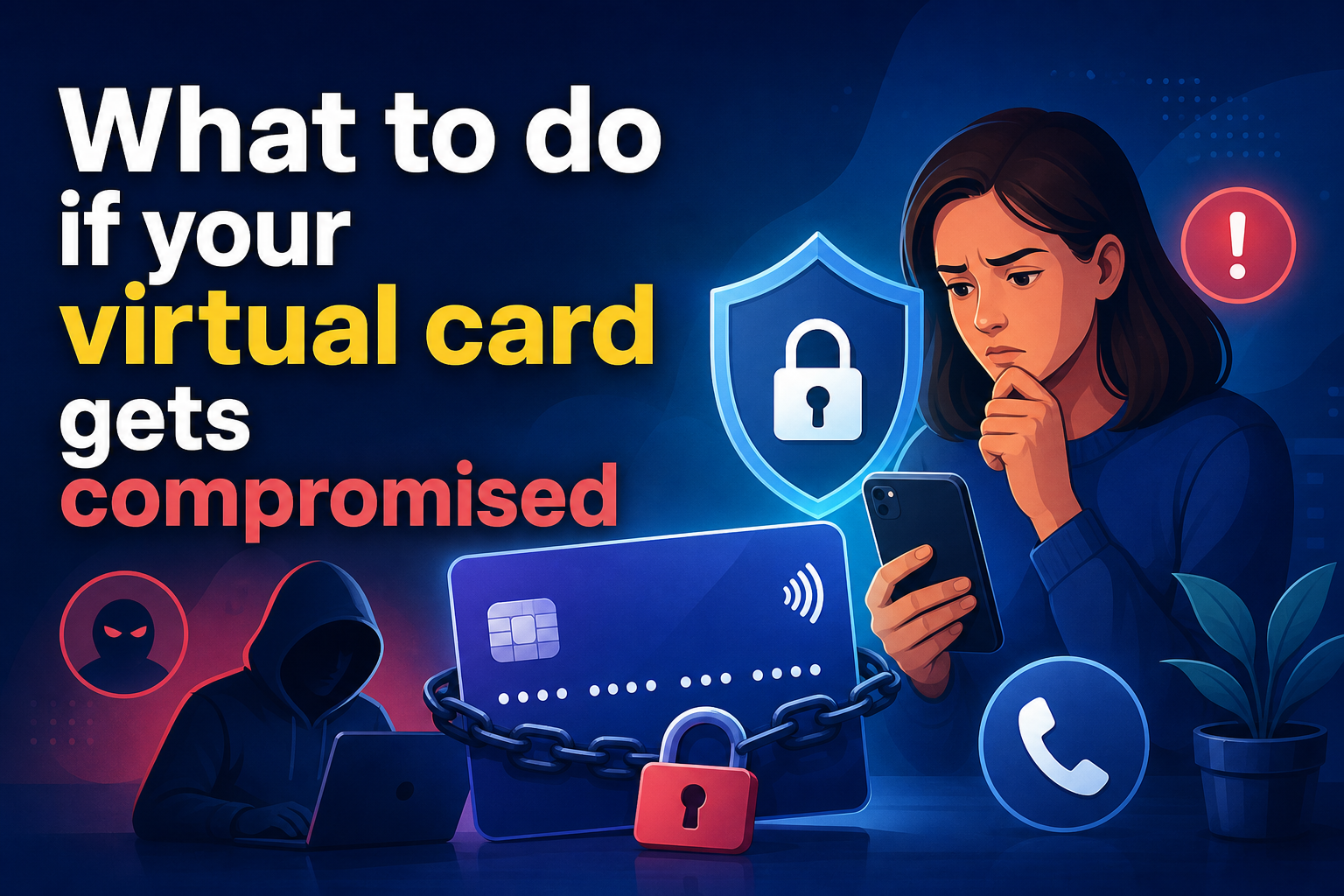
Sometimes, even careful shoppers run into trouble. If you spot a suspicious charge on your virtual card, act fast. Lock or delete the card in your banking app—this stops any more transactions on that number right away.
Then call your card provider to dispute the charge. Most credit card companies can reverse fraudulent charges if you report them quickly. Watch your account and credit reports for any other strange activity over the next few weeks.
If you think your identity was stolen—like if someone tries to open new accounts in your name—head to IdentityTheft.gov to report it to the Federal Trade Commission. For serious cases, you can contact the major credit bureaus to place a fraud alert or freeze on your credit.
Acting quickly can keep a small problem from turning into a bigger one. With virtual cards, you don’t have to wait around for a new plastic card to arrive, which means you can get back to shopping or paying bills without missing a beat.
Tracking purchases and staying vigilant
Keeping good records makes it much easier to sort out any disputes. After each online purchase, save a screenshot of your order confirmation and jot down the transaction ID linked to your virtual card. If you ever need to ask for a refund or prove payment, this makes the process much smoother.
Virtual card services often send instant alerts for each transaction. Get in the habit of reviewing your statements regularly—don’t just rely on app notifications. Small unauthorized charges can slip past if you’re not looking closely.
The Better Business Bureau recommends this kind of careful record-keeping and regular monitoring as a key part of fighting fraud. Setting aside a few minutes each week to check your latest purchases can help you catch issues early and build a safer online shopping routine.
Shopping online in 2026 doesn’t have to be stressful. Virtual cards offer more than just another way to pay—they give you control, help you respond quickly if something goes wrong, and keep your main account details away from risky websites.
By creating different cards for different purchases, using tokenized wallets, practicing safe checkout habits, and watching your statements closely, you can shop online knowing you’re protected. The Better Business Bureau’s advice for 2026 is clear: adding virtual cards to your digital banking toolkit is a practical move that’s quickly becoming the standard for secure online payments.