 By Marcus Chen
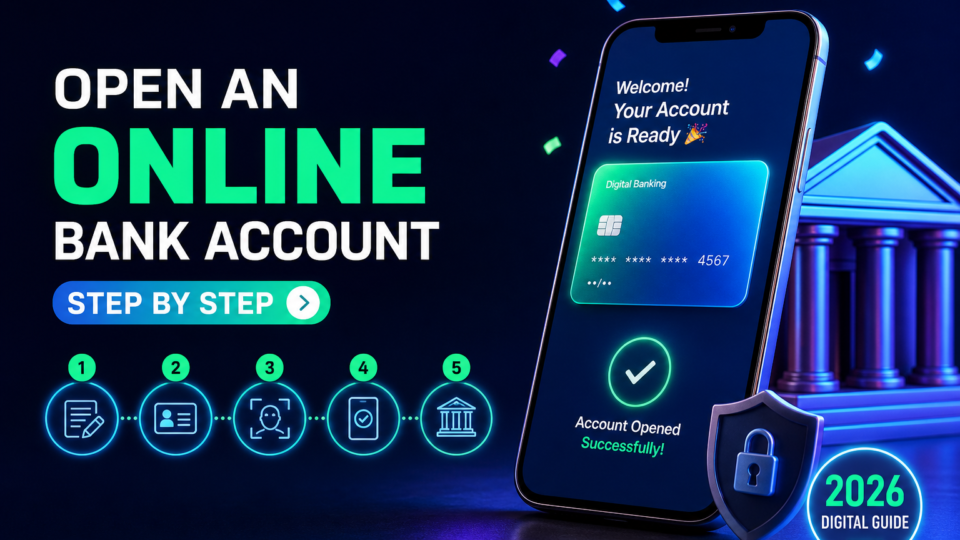
There’s a mix of excitement and anxiety when you decide it’s time to open a bank account online. Maybe you’re starting your first job, moving to a new city, or simply tired of waiting in line at a branch. You want the process to be quick and painless—but there are always stories from friends who hit unexpected roadblocks, from missing documents to waiting days for their debit card. If you know exactly what to expect and how the steps play out in real life, you can skip the stress and get your new account running without any surprises.
What You Need Before You Start
Before you even pick a bank, it pays to get your paperwork in order. Most U.S. banks set the bar at age 18 and require you to be a legal resident. The must-haves: a government-issued photo ID (driver’s license, state ID, or passport), your Social Security Number (SSN) or Individual Taxpayer Identification Number (ITIN), and proof of your current U.S. address, like a utility bill or lease. You’ll also need a working email and phone number, since banks send verification codes and account info digitally.
Why so many details? Banks are legally required to verify your identity for anti-fraud and tax reporting. For example, BMO’s online checking application specifically asks for your SSN, residential address, and contact info up front. Some banks, like PNC, may ask for two forms of ID—say, your passport plus a driver’s license—along with a document showing where you live.
If you’re missing any piece, the application can grind to a halt, so double-check your documents before you get started. Having these ready upfront means you can breeze through the online forms in one go.
The actual steps are more straightforward than most people expect. First, compare banks and accounts—don’t just default to the one your parents use. Take a page from Axos Bank’s playbook: look at fees, ATM network, mobile features, bill pay, overdraft rules, and required minimum deposits. Some banks offer checking and savings accounts with no monthly fees or even early direct deposit, while others refund out-of-network ATM fees.
Once you’ve picked the right account, go to the bank’s website and hit the “Open account” button. You’ll fill out an application with your full name, date of birth, SSN or ITIN, address, phone, email, and sometimes employment info. For BMO, the online application typically takes about five minutes if you have everything ready.
After submitting your details, you’ll be asked to verify your identity. This might be an instant check against public records, answering a few security questions, or uploading a photo of your ID. With Axos, for example, most people clear these checks immediately, but sometimes you’ll be prompted to upload a photo of your license or answer questions about past addresses.
Once you pass the verification, you’ll review and sign the account agreement. Next comes funding your new account, which can usually be done via ACH transfer from another bank, debit card, or mobile check deposit. After the deposit, you’re on your way—just wait for the official approval and your new account documents.
Funding Your New Account: Deposit Requirements
Every bank handles the opening deposit a bit differently, but there are patterns. Most online checking accounts ask for an initial deposit in the $25–$50 range, though a few, like some Axos accounts, let you start with $0. U.S. Bank, for instance, requires a minimum deposit to activate your new account after approval.
You can usually fund your account by transferring money from another bank, using a debit card, or even snapping a photo of a check with your mobile phone. If you’re opening a BMO checking account, you’ll need your current bank’s routing and account numbers handy to complete the transfer.
Some banks let you open the account first and fund it later, but you won’t be able to make purchases, pay bills, or receive direct deposits until that first deposit clears. If you’re counting on using your new account right away—say, for an upcoming paycheck—get the transfer started as soon as you’re approved.
It’s also worth noting that some banks don’t specify the exact deposit amount in their online guides. If you’re tight on funds, double-check the bank’s FAQ or call their support before you apply, so you aren’t caught off guard.
How Banks Verify Your Identity and Background
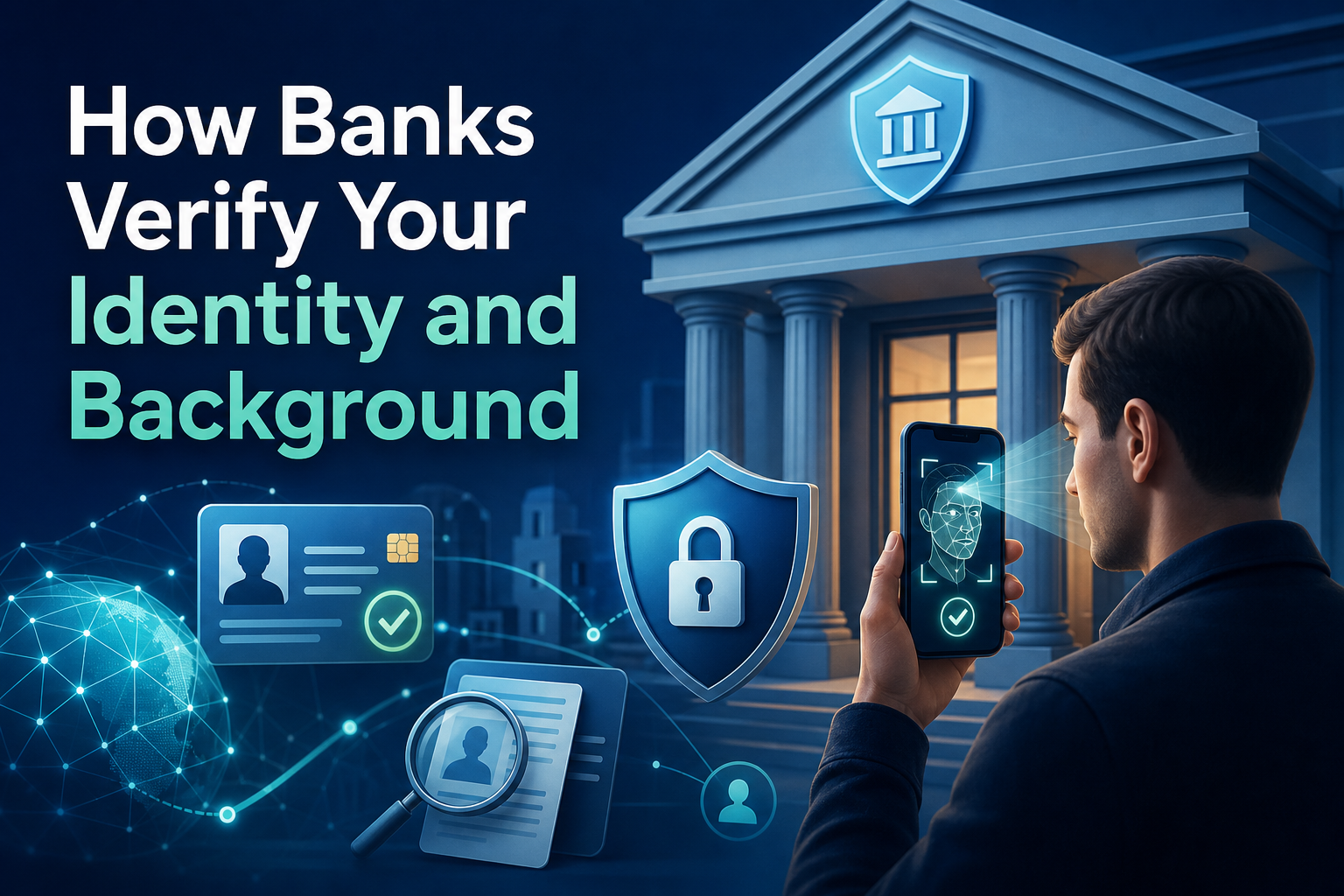
Identity verification is the backbone of the online account opening process. After you submit your application, banks run your details through instant checks against public records and third-party databases. You might be asked to answer security questions about previous addresses or loans—information only you should know.
But it goes deeper than just ID checks. Banks like PNC run background screenings through specialized services to spot red flags, such as overdrawn accounts, unpaid checks, or even suspected fraud in your banking history. If something pops up, you might be asked for extra documents or, in some cases, denied an account.
Most people clear these checks without a hitch, but it’s smart to know what’s happening behind the scenes. If you’ve had past banking issues, be ready to explain or provide documentation. This step is rarely discussed in generic guides, but it’s a real source of delays for some applicants.
Once your identity and background are greenlit, the bank can approve your account—sometimes within minutes, but often within a business day or two.
How Long the Process Takes and What Happens Next
A big perk of digital banking: the initial application is fast. Banks like BMO and Axos report that the online form can be finished in about five minutes if you have your documents and funding info ready.
After you submit, there’s a short waiting period for the bank to verify your identity and process your background check. This can range from near-instant approval (especially if you have a clean record and standard documents) to a few business days if manual review is needed.
Once approved, you’ll get a welcome email and your new debit card and account paperwork are mailed out. For most banks, the card arrives within a few business days, although the exact timing can vary.
In the meantime, you can usually access your account online as soon as it’s funded. Don’t forget to enroll in online banking and download the mobile app right away—these steps give you full control of your account while you wait for your physical card.
Special Situations: Opening an Account as a Non-U.S. Citizen
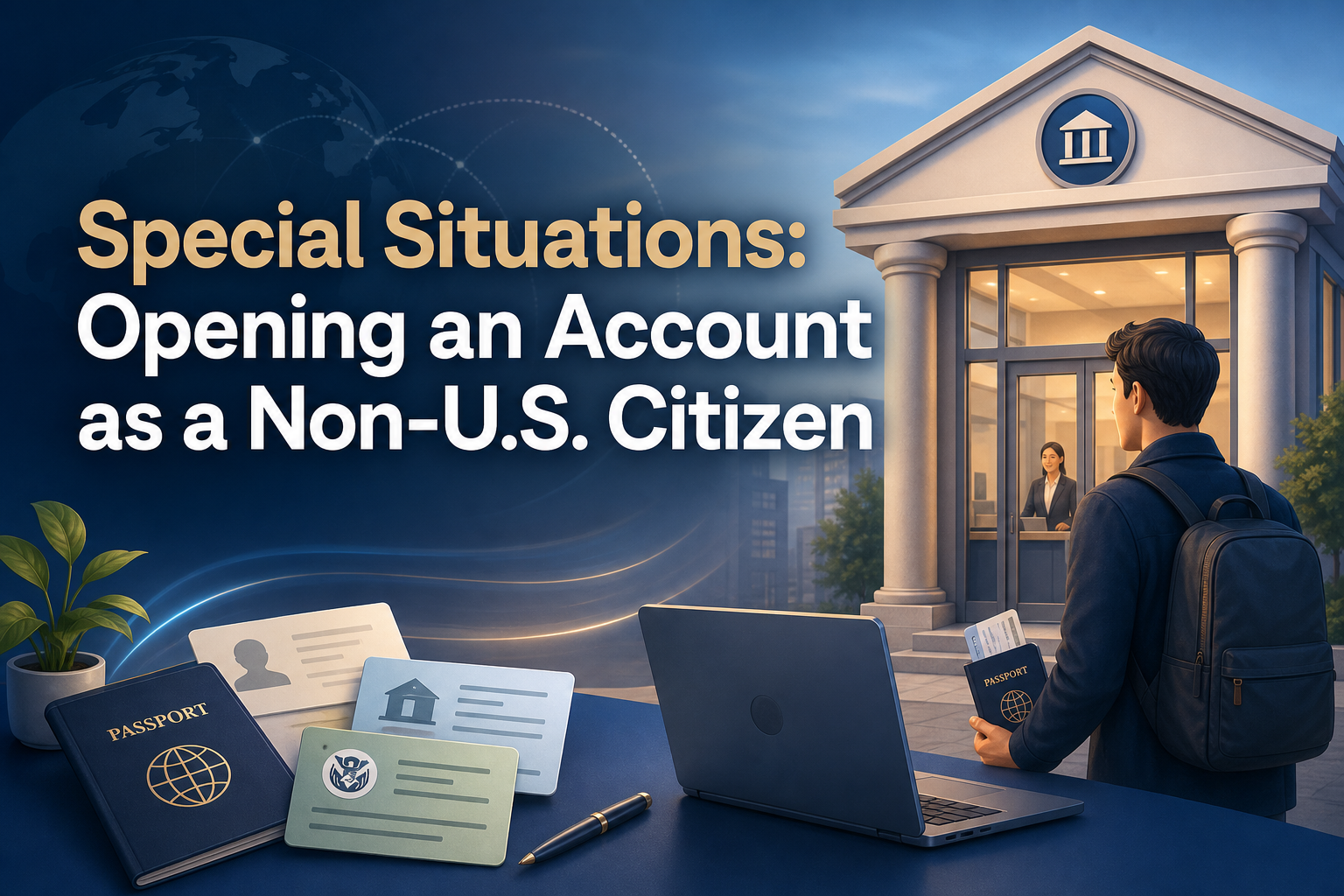
If you’re not a U.S. citizen, the process comes with extra hoops. Most banks will require your passport, visa, proof of U.S. address, and either a Social Security Number or ITIN. Some banks, like PNC, specifically direct non-citizens to visit a local branch with their documents, since digital onboarding is often limited for these cases.
Be prepared for additional questions and document uploads. In some scenarios, you may have to wait a bit longer for account approval, especially if your visa status or address can’t be instantly verified online.
While a few banks are expanding digital options for non-citizens, most still want to see you in person for the final verification. It’s best to call ahead and confirm the requirements so you don’t waste time starting an online application you can’t finish remotely.
Managing Your Account After Opening
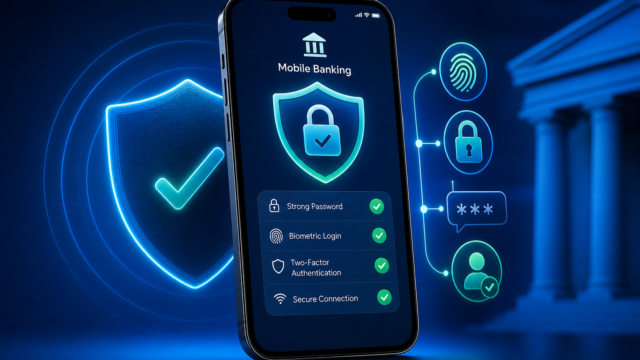
Once your new online bank account is set up and funded, it’s time to take control. Your very first login is more than a formality—it’s your opportunity to register for online banking, set up security preferences, and download the bank’s mobile app.
From there, you can manage your money without ever stepping into a branch. Pay bills, transfer funds, set up direct deposit, and check your balance from your phone or laptop. Most banks, including BMO and Axos, offer features like mobile check deposit and instant balance alerts.
If you’re used to traditional banking, the digital dashboard may feel overwhelming at first. Take a few minutes to explore the settings, set up notifications, and test out a small transfer or bill payment. This way, you’ll be ready to handle your finances confidently from day one.
As a final tip, bookmark your bank’s support resources or add their customer service number to your phone. If you ever run into login trouble or need to reset your password, quick access to help can save you a lot of headaches.