 By Marcus Chen
You’re about to move your savings to a new online bank you found after hours of research. The interest rate looks great, the app is smooth, and the website says “Member FDIC” in the footer. But you pause for a second—how do you know, for sure, that your money is protected if something goes wrong? In a world where banks can operate under unfamiliar brand names and some financial apps aren’t actually banks, getting this right isn’t just a formality. It’s the difference between peace of mind and unnecessary risk.
What FDIC insurance really covers for online banks
FDIC insurance is the safety net that most Americans look for when choosing a place to keep their money. For online banks, the rules are the same as with traditional brick-and-mortar institutions: deposit accounts, including checking, savings, money market accounts, and CDs, are covered up to $250,000 per depositor, per insured bank, per account ownership category. This limit includes your principal and any interest you’ve earned, as long as it stays within the cap.
If you have multiple accounts at the same online bank—say, a checking and a savings account—your total coverage is still $250,000 per ownership category. The FDIC groups certain types of accounts together, so it’s worth double-checking how your funds are split if you have joint, trust, or retirement accounts. For trust accounts, rules changed in April 2024: both revocable and irrevocable trusts are now treated the same way, with coverage calculated using a five-beneficiary cap. This matters if you’re structuring accounts to protect more than one person’s funds.
The protection applies only to deposits held at FDIC-insured banks. So, if your online bank is truly covered, your money is safe up to the limit even if the bank fails. But that safety only exists if you’re with a qualifying institution—and that’s what you need to verify.
How to use the official FDIC BankFind Suite
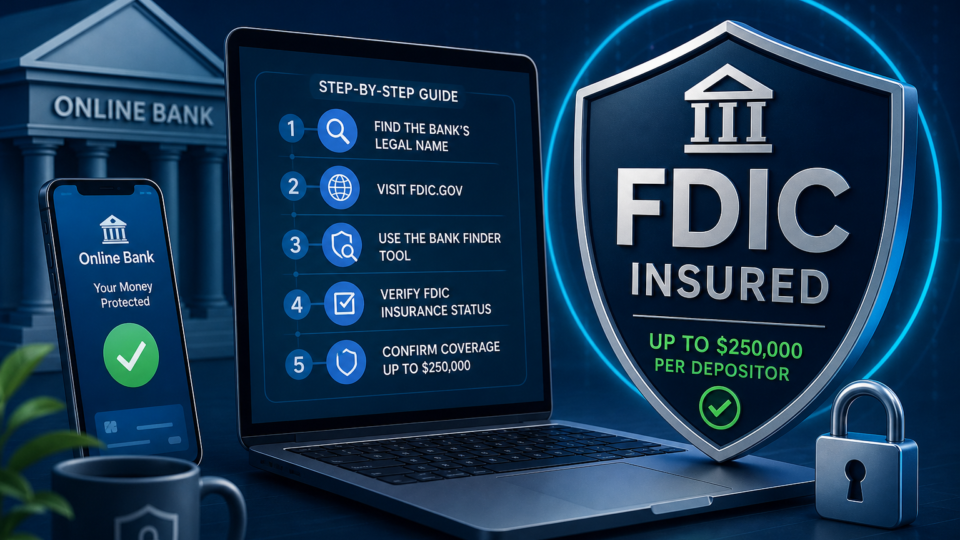
The most reliable way to check whether your online bank is FDIC insured is by using the FDIC’s BankFind Suite. This is an official government tool, hosted at banks.data.fdic.gov/bankfind, and it lists every FDIC-insured bank and branch going back to 1934. The site is secure (.gov and https), so you’re dealing directly with the source.
Start by entering the name of your online bank exactly as it appears on its website into BankFind’s search bar. If the bank is FDIC insured under that name, you’ll see a listing that confirms its status. Look for “FDIC insured” on the results page, and double-check that the address or routing number matches what your online bank provides.
Not every online bank operates under its brand name, though. Some use a parent company or an entirely different legal name for FDIC purposes. If your initial search comes up empty, BankFind lets you search by other identifiers—like the website URL, the city and state listed in your account details, or even the bank’s FDIC certificate number if you can find it. This is especially useful for online-only brands or fintechs that partner with established banks for deposit insurance.
BankFind is updated regularly and is considered the gold standard for this type of verification. It’s not just a good idea for due diligence—it’s the same tool banks themselves use to confirm their own status.
What to do if your online bank’s name isn’t found
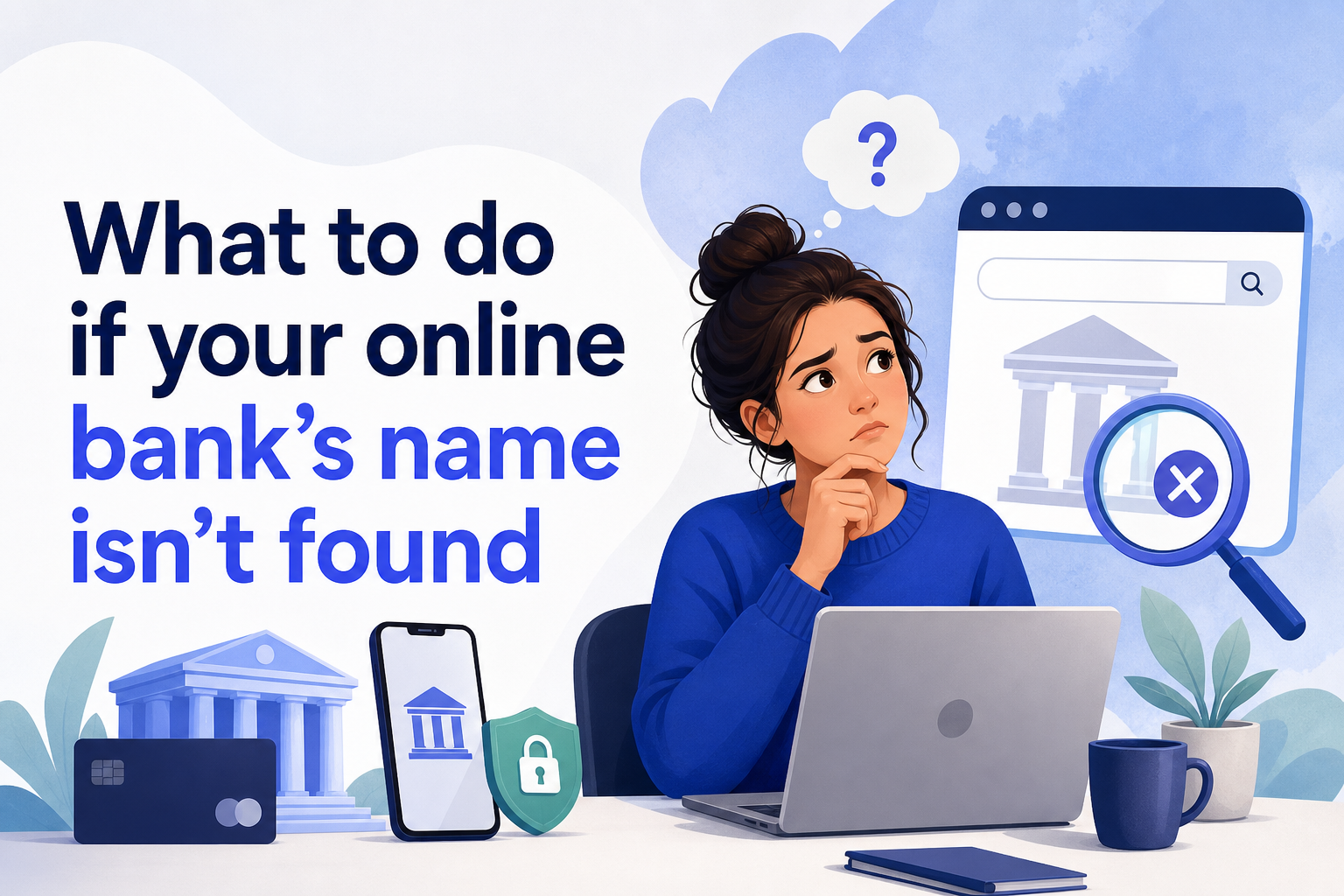
It’s surprisingly common to hit a wall when searching for a new online bank’s name. Many digital banks use branding that’s catchy and marketable, but their FDIC insurance is actually held through a parent institution you might not recognize. If you don’t see your bank listed after searching with its public name, don’t panic.
First, look for clues on the bank’s website—often, there’s a disclosure near the FDIC logo stating, “Deposits are insured by [Parent Bank Name], Member FDIC.” If that’s the case, plug the parent bank’s name into BankFind. For example, a user once searched for BreadSavings and couldn’t find it, but by entering the BreadSavings website URL, they discovered the underlying institution was Comenity. That’s the legal entity actually carrying the FDIC insurance.
You can also try entering the bank’s website address in BankFind’s search bar. This approach is particularly helpful for online brands or banking apps that might not clearly display their legal name up front. If you’re still unsure, check your account’s routing number—many banks list their routing numbers in the footer or on the FAQ page. Matching that number in BankFind can connect you to the right listing.
If all else fails, contact customer support at your online bank and ask them directly for the FDIC certificate number or the legal name under which your deposits are insured. A legitimate bank will provide this information readily.
Alternative ways to verify FDIC insurance
Sometimes you want a second opinion, or maybe the BankFind search left you with more questions than answers. In that case, you can call the FDIC directly at 877-275-3342. They’ll ask for the bank’s name, and possibly the website or routing number, and confirm if it’s covered by FDIC insurance. This phone line is staffed by real people who handle these questions every day, so don’t hesitate to use it if you’re unsure about the online results.
It’s also smart to cross-check any “Member FDIC” claims you see on a bank’s website with the official BankFind database. Marketing language can be misleading, and some financial apps use FDIC language loosely because they partner with insured banks to hold deposits, even though they aren’t banks themselves. Always verify that the name or URL matches an FDIC listing.
If you spot inconsistencies—for example, the FDIC logo is present, but BankFind turns up nothing, or the routing number doesn’t match—treat it as a red flag. Don’t deposit large sums until you’ve confirmed the insurance status to your satisfaction.
What FDIC insurance does not protect
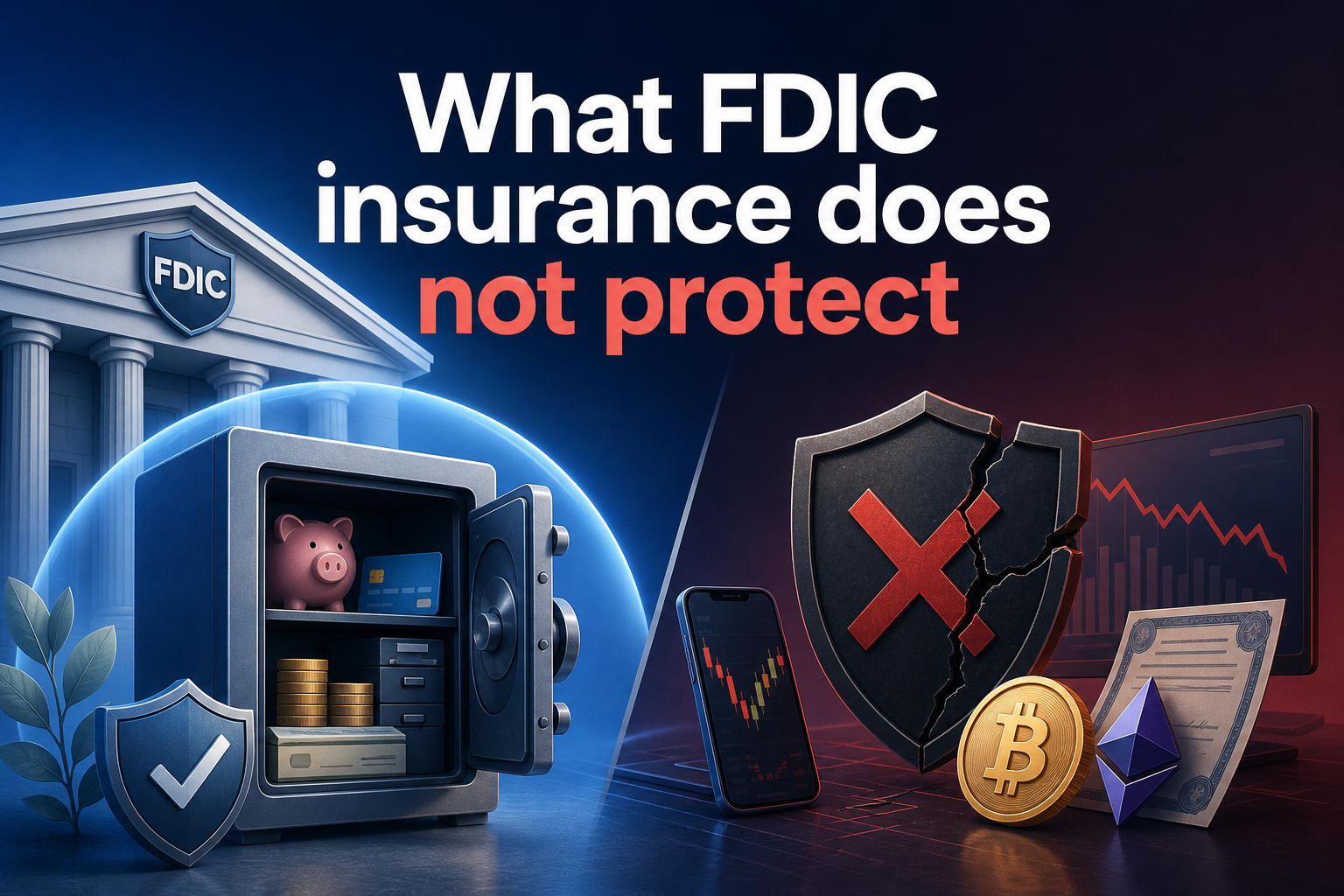
It’s easy to assume that every dollar you keep at a bank with an FDIC logo is covered. But FDIC insurance has boundaries you need to know. It only covers deposit accounts: checking, savings, money market accounts, and CDs. If your online bank offers investment options—like stocks, bonds, mutual funds, or even crypto—those are not protected by FDIC insurance, even if you access them from the same app or website.
The contents of safe deposit boxes aren’t insured either, nor are deposits in excess of the $250,000 per depositor, per insured bank, per ownership category limit. If you have more than that amount spread across different account types at the same bank, only up to the limit is protected for each category. This is especially important for people who hold joint accounts, trust accounts, or use online banks for business as well as personal funds.
For fintech apps that work with multiple banks behind the scenes, FDIC coverage depends on exactly where your money is held at any given time. If you’re using one of these services, ask for specifics about which bank holds your funds and verify each one using BankFind.
Keeping your savings safe with online banks
Banking online should be convenient and secure, but it pays to do a little homework before trusting a digital institution with your life savings. The easiest way to verify FDIC insured online bank status is by searching the official BankFind Suite. If the name doesn’t match, try the parent company or website URL, and don’t be shy about calling the FDIC for direct confirmation.
Check for the FDIC logo on the online bank’s homepage, but always cross-reference that claim with the official listing. Keep in mind the $250,000 coverage limit applies per depositor, per institution, and pay attention to how trust and joint accounts are structured under current rules. If your needs are more complex—like holding funds in a trust for several beneficiaries—review the five-beneficiary cap under the 2024 trust account changes.
By following these steps, you can enjoy the flexibility and benefits of online banking without worrying about your money’s safety. It’s a small effort that makes a real difference in protecting what you’ve worked hard to save.