 By Marcus Chen
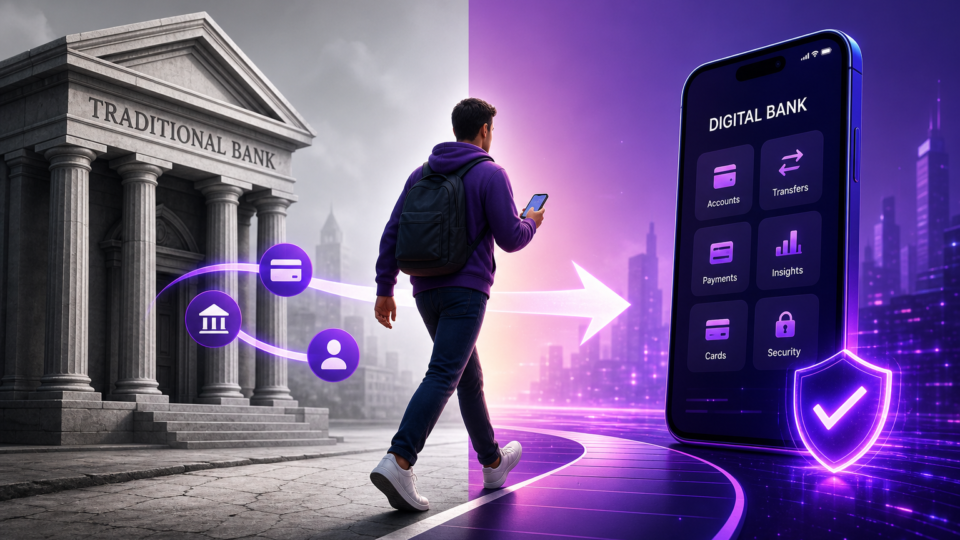
Picture this: you’re standing in line at your old bank, watching the clock tick closer to closing time, just for a simple transaction. Meanwhile, your phone buzzes with a promo from a digital bank promising no monthly fees, higher interest, and the freedom to bank anywhere. The idea of switching feels tempting, but questions start piling up—what about your direct deposits, bill payments, or the risk of missing something important? The process can seem like a maze, especially if you’ve relied on the same brick-and-mortar branch for years. You’re not alone in feeling wary about making the leap, but with the right plan, transitioning your money can be smoother—and less stressful—than you might expect.
Why digital banks attract switchers: Fees, interest, and accessibility
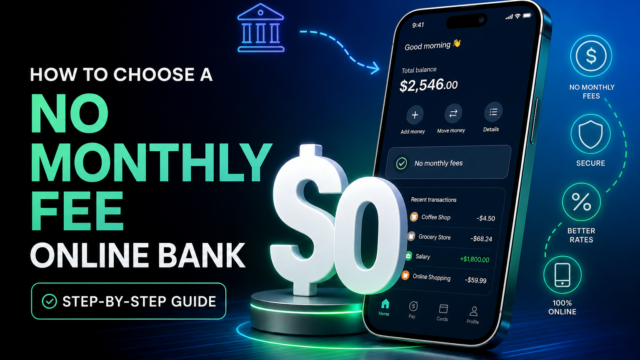
One of the biggest draws to digital banks is the promise of lower costs. Without the overhead of physical branches, these banks typically charge fewer maintenance and transaction fees. For many customers, this means no more monthly minimums or surprise charges for simple transfers. Digital banks can also pass their savings on to you through more competitive interest rates, especially on savings accounts.
Alongside the financial perks, digital banks focus on accessibility. You can open an account, deposit checks, or pay bills from your phone at any hour. This is a game-changer for anyone who has ever felt boxed in by traditional banking hours or needed urgent support on a weekend. The trade-off is clear: you lose the option of resolving problems in person, but you gain the ability to manage your finances on your terms.
That said, digital banks don’t have the extensive branch networks or personalized in-person service offered by traditional institutions. If you rarely need face-to-face support, this won’t be a major loss. But for those who value that in-person touch, the shift can take some adjustment.
What to check before leaving your traditional bank
Before you start the switch, take a close look at your day-to-day banking habits. Do you still deposit cash regularly? If your job pays you in cash tips or you run a business that handles physical money, you’ll need to figure out how (and if) your new digital bank supports cash deposits. Some digital banks partner with third-party ATMs or retail locations, but not all accept cash directly.
It’s also worth considering whether to keep a small traditional account open, at least during your transition. This can cover situations where you need a cashier’s check, quick loan support, or access to local services the digital bank can’t provide. Some people choose to maintain both accounts long term for maximum flexibility.
Don’t forget to compare the fine print. Every bank—digital or traditional—sets its own policies for monthly fees, transaction limits, ATM access, and wire transfers. Testing how responsive customer service is before you commit your entire financial life can save you headaches down the road.
How switch kits and digital tools simplify your move

What used to be a tedious process of calling every employer, utility, and subscription is now much simpler for most people, thanks to “switch kits.” Many digital banks offer these as part of their onboarding. A switch kit typically includes a pre-built checklist and sometimes even automated tools that walk you through every step.
These tools are designed to identify all the connections your old bank account has—direct deposits, recurring payments, linked apps—and help you update each one. Some even handle sending notifications to your employer or billers to update your banking info, minimizing the risk of missed paychecks or bills.
If your new digital bank offers a switch kit, make full use of it. Even if you prefer to do things manually, following their checklist ensures you don’t overlook any small but important payments, like a streaming subscription or insurance autopay.
Step-by-step: Moving your money with confidence
Switching banks isn’t just about transferring your balance; it’s about moving your entire financial life without dropping a single ball. Here’s a practical process that covers all the bases:
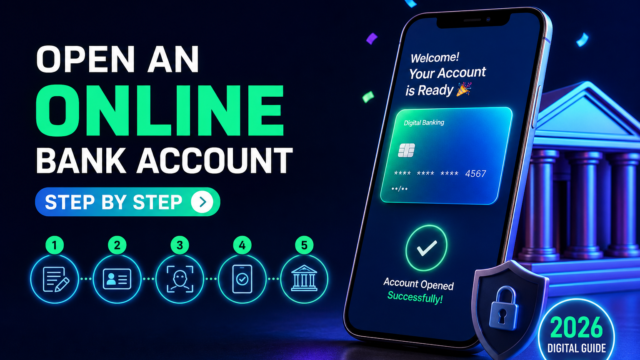
Start by opening your new digital bank account and completing any required identity checks. Don’t close your old account yet—keep both open so you have a safety net. Next, make a detailed list of everything tied to your current bank: direct deposits (like your paycheck), automatic bill payments (utilities, rent, loans), subscriptions, and any apps that pull from your account.
Redirect your main income to your new digital bank. This might mean updating payroll info with your employer or adjusting deposits in gig apps. Then, begin updating payment details for all your bills and subscriptions. For most people, this is the most tedious step, but it’s also the most important to avoid service interruptions.
Transfer most of your balance to your new account, but leave a cushion in the old one for any payments that haven’t cleared yet. Now comes the waiting game: monitor both accounts for at least one full statement cycle. Watch for any automatic debits or deposits you might have missed and update them as needed. Only after you’re sure everything has moved should you go through the formal process to close your traditional account, following their specific steps to confirm there are no pending transactions or fees.
Protecting your new digital account: Security essentials
Security might feel more abstract when you’re not walking into a branch, but it’s even more important in the digital world. Start by setting a unique, strong password or passphrase for your new account. Avoid reusing passwords from other sites—think of this as your financial front door.
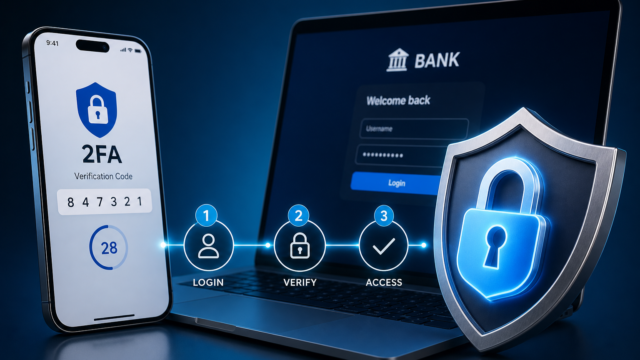
Enable two-factor authentication (2FA) using SMS or an authenticator app. This extra step means that even if someone gets your password, they won’t be able to access your money without your phone or verification code. Set up account alerts for things like login attempts, new payees, or large transactions. These notifications let you catch suspicious activity right away.
If you share access with a spouse, business partner, or team member, review who has permissions and what they can do. For business accounts, setting up internal approval workflows can prevent mistakes and add another layer of oversight. These precautions take just a few minutes but are critical when you’re trusting your finances to digital-only systems.
What happens during digital banking upgrades? The EFCU Financial case
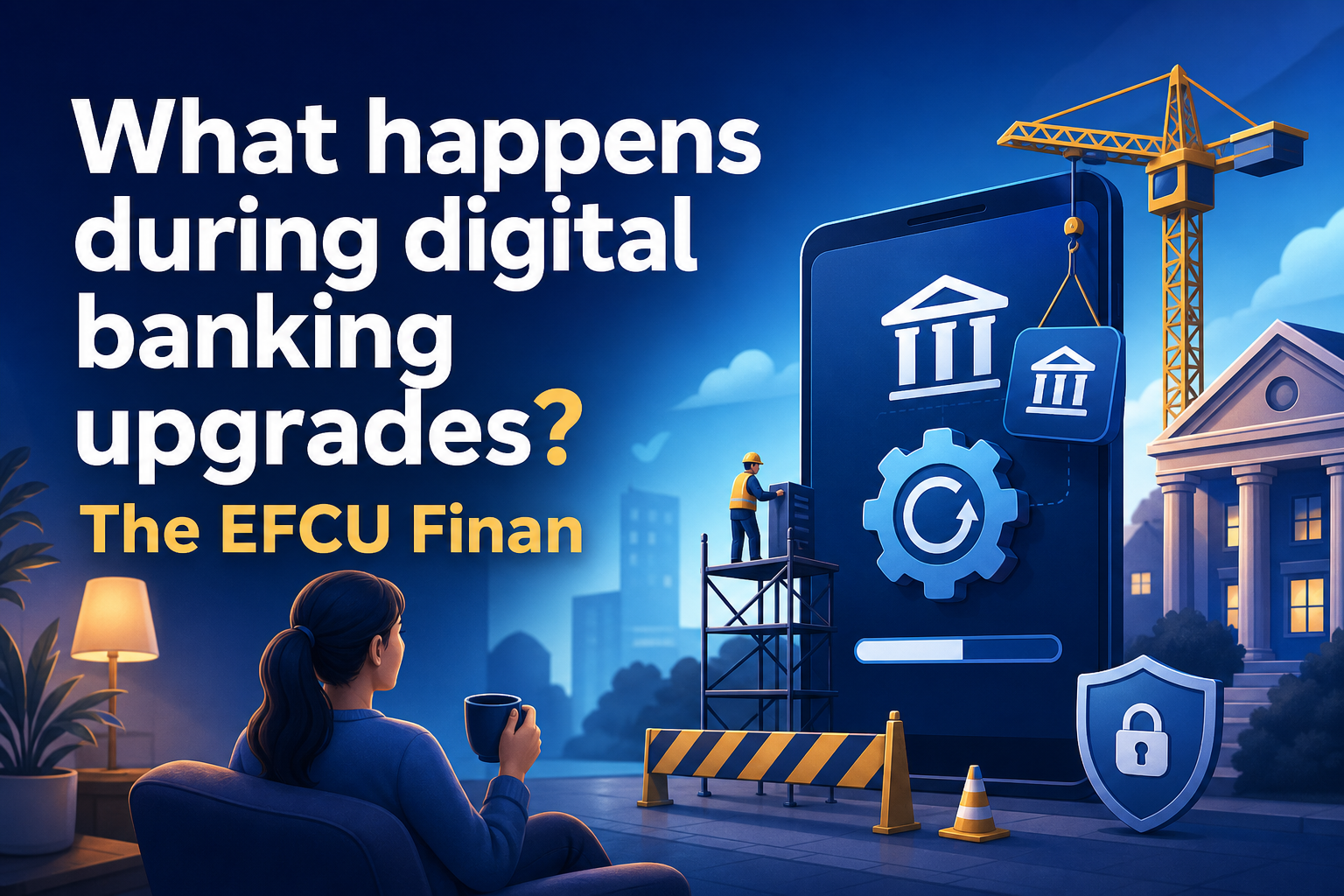
Digital banking isn’t static—platforms get upgraded, sometimes with unavoidable downtime. In October 2026, EFCU Financial provided a real-world example of what this can look like. They announced a major upgrade to their online and mobile banking platform, scheduling the transition for a long weekend.
From the evening of October 9, 2026, until mid-day October 12, both online and mobile banking were completely unavailable. All branches were closed during that weekend, only reopening on October 13. EFCU communicated these dates in advance so customers could plan, but if you needed to transfer money or check your balance during those days, you were out of luck.
This kind of scheduled downtime reminds us that even digital banks have maintenance windows. Before you switch, ask how your prospective bank handles upgrades and emergencies. Having a backup (like a small balance in your old account or a credit card) can be a lifesaver if you’re caught mid-transition during an outage.
Double-check before you close: Final transition tips
The last leg of your switch is all about being thorough. Keep monitoring both accounts for at least one full statement cycle, and check off every bill, subscription, and deposit as it successfully hits your new digital bank. If you spot any missed or duplicate payments, reach out to the relevant company or your bank for help—most issues can be resolved within a business day or two if you act quickly.
Before closing your old account, confirm there are no pending transactions or fees. Use your bank’s formal closure process to get written confirmation that the account is closed. This step prevents surprises like dormant account fees showing up months later.
If anything feels off, don’t hesitate to contact your new bank’s support team. Testing their responsiveness now is a good measure of what you can expect in the future. Switching banks is a big move, but with careful preparation and attention to detail, you’ll be able to enjoy the perks of digital banking—without looking back at the teller line.