 By Marcus Chen
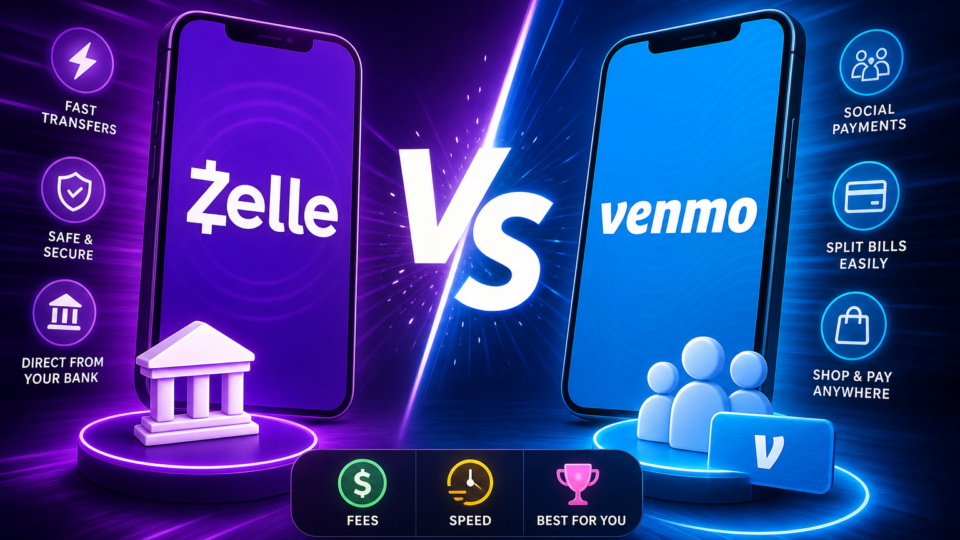
Splitting rent with roommates, paying your share of last night’s dinner, or sending your niece birthday money—digital payments are as routine as grabbing your morning coffee. But the moment you tap “send,” it’s easy to second-guess: Was that the cheapest way? Will the money get there instantly? Could I have just lost that cash for good? Picking between Zelle and Venmo isn’t just a technical choice; it’s about avoiding fees, delays, and headaches in the moments that matter most.
Comparing fees for everyday and business use
The money you send shouldn’t quietly shrink on the way to its destination, but with some payment apps, it does. Zelle keeps things refreshingly simple: there’s no Zelle-imposed fee for standard consumer bank-to-bank transfers. If you’re paying your landlord or sending your sibling $100, it lands in their bank account without a penny lost to fees—assuming both parties have U.S. bank accounts enrolled with Zelle.
Venmo, on the other hand, comes with a menu of fees that can sneak up on you. If you fund a person-to-person transfer with a credit card, Venmo charges 3% of the amount each time. For business owners, Venmo Business profiles charge 1.9% plus $0.10 per payment received. That means when a yoga instructor collects a $50 class fee through a Venmo Business account, $0.95 plus $0.10 goes to Venmo before it ever hits their balance.
For everyday transfers between friends who use bank accounts or Venmo balances, there’s usually no fee. But add a credit card or switch to business mode, and those percentages add up quickly. Zelle’s fee-free policy for consumer and small-business bank transfers gives it a clear advantage for straightforward payments, especially with large or recurring sums.
How fast is your money and what does it cost?
Timing can be everything—especially when you’re paying rent just before midnight or need to settle up before the weekend. Zelle’s transfers are nearly instant, with money typically appearing in the recipient’s bank account within seconds or minutes. There’s no extra charge for this speed; what you see is what you get.
Venmo offers instant transfers too, but with a twist. If you want funds moved from your Venmo balance to your bank account right away, it’ll cost 1.75% of the transfer amount, with a minimum of $0.25 and a cap at $25 per transfer. Standard (non-instant) transfers from Venmo to your bank are free but can take a day or more.
Here’s a scenario that highlights the difference: a tenant needs to pay monthly rent to a landlord with a U.S. bank account. Using Zelle, the tenant can send the payment and the landlord will see the funds in minutes, with no transfer fee. If the tenant instead uses Venmo and funds the payment with a credit card, a 3% fee applies, and if the landlord wants to cash out instantly, there’s a further 1.75% fee (minimum $0.25, maximum $25). For large payments or those needing instant cash-out, these fees can really add up, making Zelle the more cost-effective choice for direct bank transfers.
Funding options and supported accounts

Both apps look similar at a glance, but how money flows in and out is very different. Zelle only supports transfers between enrolled U.S. bank accounts—no credit cards, debit cards, or prepaid accounts. It’s most often accessed directly through your bank’s app, making it feel like a natural extension of your checking account.
Venmo is much more flexible with funding sources. You can send money using your Venmo balance, a linked bank account, or even a credit card (for that 3% fee). Need to hold money in the app for a bit or pay from a variety of sources? Venmo’s wallet-style approach makes it easy.
But there’s a catch: Zelle’s tight integration with banks means you can’t use it unless your bank participates and both sender and receiver are enrolled. Venmo, as a standalone app, works for anyone willing to sign up and link a funding source—even if they use different banks. This flexibility is great for group payments or when your contacts are scattered across different institutions.
Social features and user experience
Payments are rarely just about the money. Sometimes, it’s about making sure everyone in the group chat knows who paid for the pizza—or sending a clever emoji with your half of the bill. This is where Venmo shines. It has a social feed so you can see, comment, and even “like” payments among friends. Bill-splitting is built in, so one person can pay and others can chip in easily, with notes and emojis that make everything clear (and occasionally entertaining).
Zelle skips these extras entirely. You won’t find a timeline, bill-splitting tools, or payment notes. It’s all business: enter the recipient’s details, send the money, and it’s done. For those who value privacy or just want the transaction over with, this is a plus. But if you’re trying to keep track of who paid what in a large group, Zelle’s barebones style can be frustrating.
Take a group dinner, for example: with Venmo, everyone can see who paid the restaurant and who still owes. You can label payments (“Sushi night!”) and nudge forgetful friends. With Zelle, each person sends their share to the organizer’s bank account, but there’s no shared history or reminder in the app—just a line in your bank statement.
Risks, reversals, and payment protection
When money moves fast, mistakes can sting. Zelle’s transfers are final—once you hit send, there’s no going back. There’s also no purchase protection program, so if you pay the wrong person or someone you don’t trust, recovering your money is nearly impossible. This makes Zelle best for times when you know exactly who’s getting your cash, like paying a trusted friend or family member.
Venmo offers a little more breathing room, but not much in terms of buyer protection. You can see a transaction history and contact Venmo support, but it isn’t a substitute for true buyer protection like you’d find with PayPal. For casual payments among friends, Venmo works fine, but if you’re buying goods or services from someone you don’t know, neither app is designed to protect you if something goes wrong.
For business owners, these differences matter. Zelle’s irrevocable payments mean you should double-check every detail before sending payroll or vendor payments. Venmo’s business profiles help track transactions, but you’re still responsible for vetting who you do business with.
Domestic focus and ongoing costs
Neither Zelle nor Venmo supports international transfers. If you need to send money outside the U.S., you’ll need to look elsewhere. For domestic use, though, both keep it simple: there are no monthly fees for consumers. You don’t pay to hold a balance, receive a payment, or keep your account open.
This makes both options attractive for regular users who want to avoid recurring charges. The main costs come from how you fund your payments and how quickly you want to move money out of the app—not from simply having an account.
How to decide: a quick checklist
Before you tap “send,” run through these four steps to pick the right app for your situation:
Are both you and the recipient enrolled with a Zelle-participating bank? If yes, and you trust them, Zelle will get your money there instantly and without a fee.
Will you fund the payment with a credit card? If so, Venmo will charge you 3%—think twice before choosing this option for large sums.
Do you need to split bills, leave a payment note, or track who’s paid in a group? Venmo’s social features give you a record and make group payments easy.
How well do you know the recipient? Zelle payments are final and lack purchase protection—use it only for people or businesses you trust completely.
If you’re a small business, ask yourself: do I need a simple, fee-free way to pay employees or vendors (Zelle)? Or am I accepting payments from customers and want easy in-app receipts, even if it costs 1.9% + $0.10 per transaction (Venmo Business)?
Which app do real users prefer?

According to NerdWallet, Venmo is the go-to for everyday use among their staff—likely thanks to its familiar interface, fun social feed, and easy bill splitting. But when it comes to sending money directly between bank accounts, especially with people they trust, Zelle is the clear favorite. Their team prefers Zelle for rent, family support, or any situation where speed and fee-free transfers matter more than social features.
This split in preference mirrors what most people experience: Venmo owns the casual, social side of payments, while Zelle is the utility player for direct, trusted transfers. Neither app is “better” universally; it depends on what you need at that moment.
Making the right call for your next payment
Imagine you’re settling up after a weekend trip with friends. If you all use Venmo, you can split the hotel bill, add funny notes, and see at a glance who paid. But if you’re paying your landlord or reimbursing a coworker who only trusts direct bank transfers, Zelle may be your best bet—no fees, no waiting, just instant money in their account.
The next time you reach for your phone to pay someone, pause for a moment and run through the checklist above. A few extra seconds can save you from surprise fees or lost payments. Whether you pick Zelle for its speed and simplicity, or Venmo for its flexibility and social perks, you’ll know you’ve chosen the right tool for the job.