 By Marcus Chen
Keeping up with invoices and late payments can feel endless when you’re splitting your time between client work, outreach, and the unexpected twists of freelance life. Maybe you finally sit down after a packed day, only to find a bill you forgot to send or a client who never paid. For a lot of freelancers, this routine adds extra hours and unnecessary stress. The right invoicing app does more than shoot off bills—it keeps your workflow grounded, helps you get paid on time, and grows with you as your side hustle takes off.
Why Wave Is the Top Free Choice for Side Hustlers
When you’re just getting started, every penny matters. That’s why Wave keeps topping 2026 lists as the best pick for new freelancers who want to look professional without adding another monthly expense. Wave’s free plan lets you send unlimited invoices to unlimited clients—no subscription hanging over your head. If you’re juggling a few projects, you can invoice your first client now and your tenth a month from now without running into limits or surprise charges.
The only fee comes in if you want to accept online payments: Wave charges 2.9% plus $0.60 for each credit card payment, or 1% for ACH transfers (with a $1 minimum). These rates are easy to compare with other processors, so you know up front what you’ll actually keep. For side hustlers working with small invoices, knowing the exact cost per transaction helps you plan your income without nasty surprises.
Wave offers more than just basic invoices. It includes receipt scanning and simple accounting tools, so you won’t be stuck piecing together spreadsheets at tax time. Many solo freelancers find that having everything in one dashboard means less time on admin and more on creative work. For most, Wave covers the essentials until your client base or workflow needs something more advanced.
FreshBooks: Flexible Plans for Growing Freelancers
As your side hustle picks up, you might outgrow free tools—especially if you need more detailed client management or want to track your project hours. FreshBooks is consistently named as a user-friendly, flexible invoicing solution that grows with you. In 2026, FreshBooks has three main plans: Lite for $19/month (up to 5 billable clients), Plus for $33 (up to 50 clients), and Premium for $60 (unlimited clients).
You can start small and only upgrade when you need to. That’s a big win for freelancers whose business ebbs and flows. FreshBooks stands out because it doesn’t just handle invoices and payments; it comes with time tracking built in. If you bill by the hour or just want to see where your time goes on fixed-price projects, FreshBooks keeps it all organized. Payment reminders and recurring invoices are included, so you don’t need to chase clients or fuss with calendar alerts.
Upgrading often makes sense when you’re handling more clients or want to automate your process. Take Jason, a freelance copywriter: he started with Wave, then switched to FreshBooks’ Plus plan after he landed several retainer clients. The time tracking and client management tools let him keep everything running smoothly—no missed deadlines or forgotten payments.
Harvest for Hourly Billing and Time Tracking
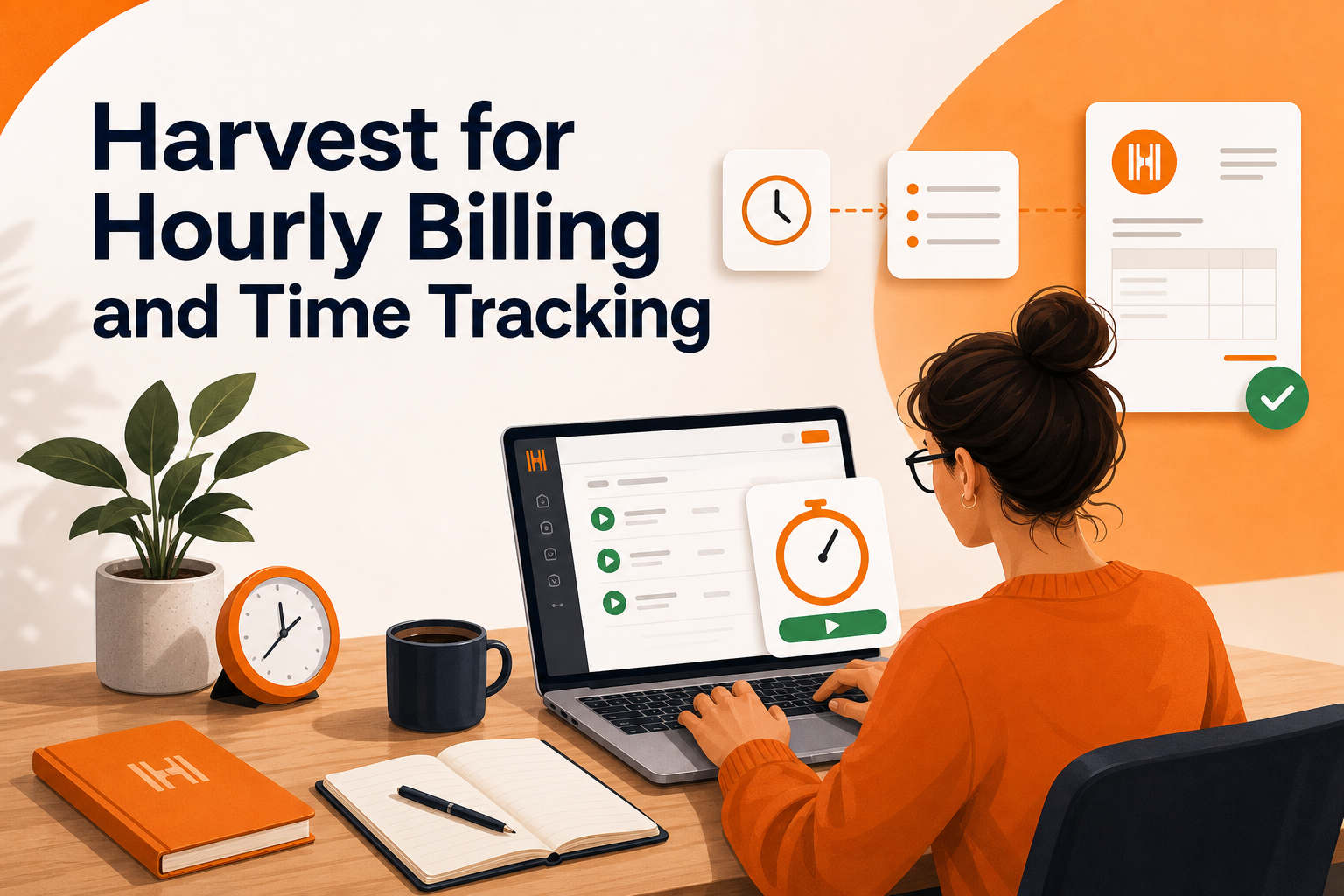
If your work is mostly hourly, Harvest is a go-to. Bookipi’s 2026 guide highlights Harvest for linking time tracking directly to invoices, making the process smooth and clear. You log hours as you work, and when it’s time to invoice, those hours automatically show up on the bill. That means no more confusion over timesheets or which hours were billable.
Harvest is a favorite among consultants, developers, and creatives who jump between projects or work for several clients each week. The direct connection between tracked hours and invoices means fewer mistakes and less manual work. If your side hustle depends on counting every minute, using an app that matches your hours and billing keeps you from leaving money on the table or losing track of small but important tasks.
Another plus: Harvest’s dashboard shows you which clients are slow to pay, so you can follow up before it becomes a cash flow issue. For freelancers used to patching together spreadsheets and timers, Harvest is a real improvement if hourly billing is your mainstay.
What Modern Invoicing Apps Do Beyond Sending Bills
One of the biggest changes in invoicing tools for 2026 is how much they automate and connect payments. Today’s apps aren’t just digital bill pads—they help you get paid faster and cut down on follow-ups. Features like recurring invoices let you set up monthly retainers or ongoing services once, and the app sends them out automatically. No more scrambling at the end of each month to remember who needs an invoice.
Automatic payment reminders make a big difference. Instead of sending awkward follow-ups, your app sends friendly nudges as due dates approach or if a payment is late. This can save hours every week and cuts down late payments—a point stressed by guides from Millo.co and Mimonous.
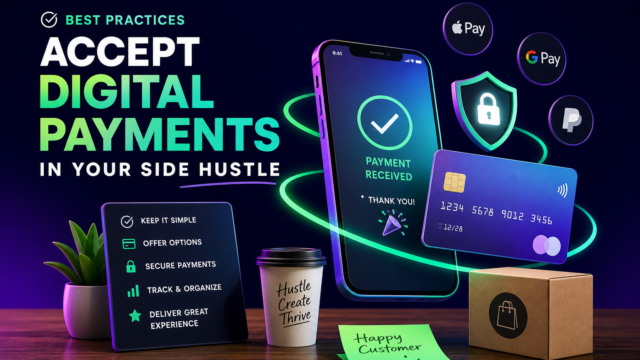
Integrated online payments let clients pay straight from the invoice, using cards or bank transfers. This is especially helpful for clients who already use digital payments everywhere else. Mimonous points out that having all your payment tracking and reminders in one app not only speeds up cash flow but also helps avoid disputes. For freelancers with limited admin time, these features move from “nice-to-have” to “can’t live without” pretty quickly.
Other Invoicing Apps Worth a Look
Wave, FreshBooks, and Harvest often lead the pack, but there are other invoicing tools that fit different freelance situations. Bookipi is listed among the top invoicing tools for small businesses and freelancers in 2026. It is known for being mobile-friendly and offering various features for managing proposals, signatures, CRM, and payments. For the most current details and features, check Bookipi’s official site.
Square Invoice stands out for freelancers who already use Square POS for in-person sales. If you sell products at markets or pop-ups and need to invoice later, Square’s invoicing ties everything together so you don’t have to track sales in two places. This kind of integration saves serious time if your side hustle mixes services and retail.
Other apps getting nods in current industry lists include Invoicely, Invoice Ninja, Zoho Invoice, ZipBooks, and Invoicera. Each has its own strengths, like customizable templates, multi-currency support, or connections to other business tools—worth checking if your workflow needs something unique. When in doubt, try the free or basic version and only upgrade when you actually need a specific feature for your day-to-day tasks.
Build an Easy, Reliable Invoicing Routine
The best invoicing app is the one that matches your real work, not just the one with the most bells and whistles. For most freelancers, an ideal routine starts with choosing an app that supports recurring invoices and automatic reminders. Set up templates for your usual project types so you’re not starting from scratch every week.
If your clients expect quick, digital payments, turn on online payments—but keep an eye on processing fees, using Wave’s numbers as a reference when comparing. Block out a regular time each week, even just 15 minutes on Fridays, to check your dashboard for overdue invoices. This habit lets you catch late payments early and keeps your cash flow steady.
As your business grows or your needs get more complex, it’s fine to switch or upgrade apps. Many freelancers start with Wave to keep costs low, then move to FreshBooks or Harvest as things pick up. The trick is not to overthink. Pick the tool that saves you the most time right now, and let your system evolve as your side hustle does. With the right app and a simple routine, you’ll spend less time chasing payments and more time doing what you enjoy.